
Veetso · Workflow walkthrough
Current platform workflows
A step-by-step public preview of Veetso’s client journeys — from registration and KYC/KYB through deposits, payees, statements, VLINK, and open banking. The screens shown here reflect Veetso’s current product build and development direction.
This workflow preview shows representative screens from Veetso's current implementation-stage platform, covering onboarding, verification, account setup, payments, and open banking flows.
Overview
Veetso's platform is accessed via veetso.com and dedicated client applications. After registration, customers see multi-currency account structures and begin verification before balances and payment features are enabled. The journey below reflects the current product design documented for personal, corporate, and payment workflows.
Registration and login
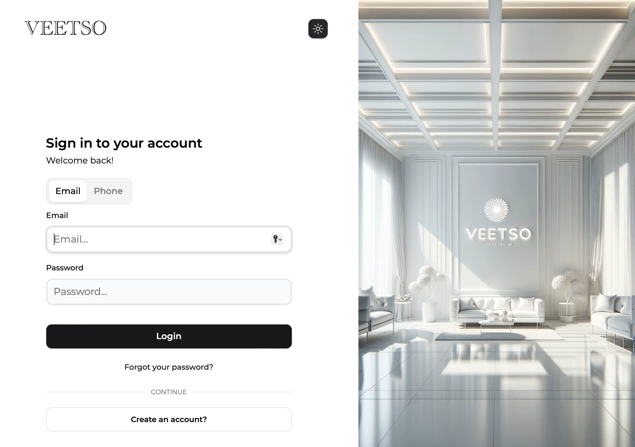
Clients register using phone or email, then verify with a six-digit code sent to the chosen channel. Once verified, they can sign in to the Veetso application on web and mobile platforms.
Security setup
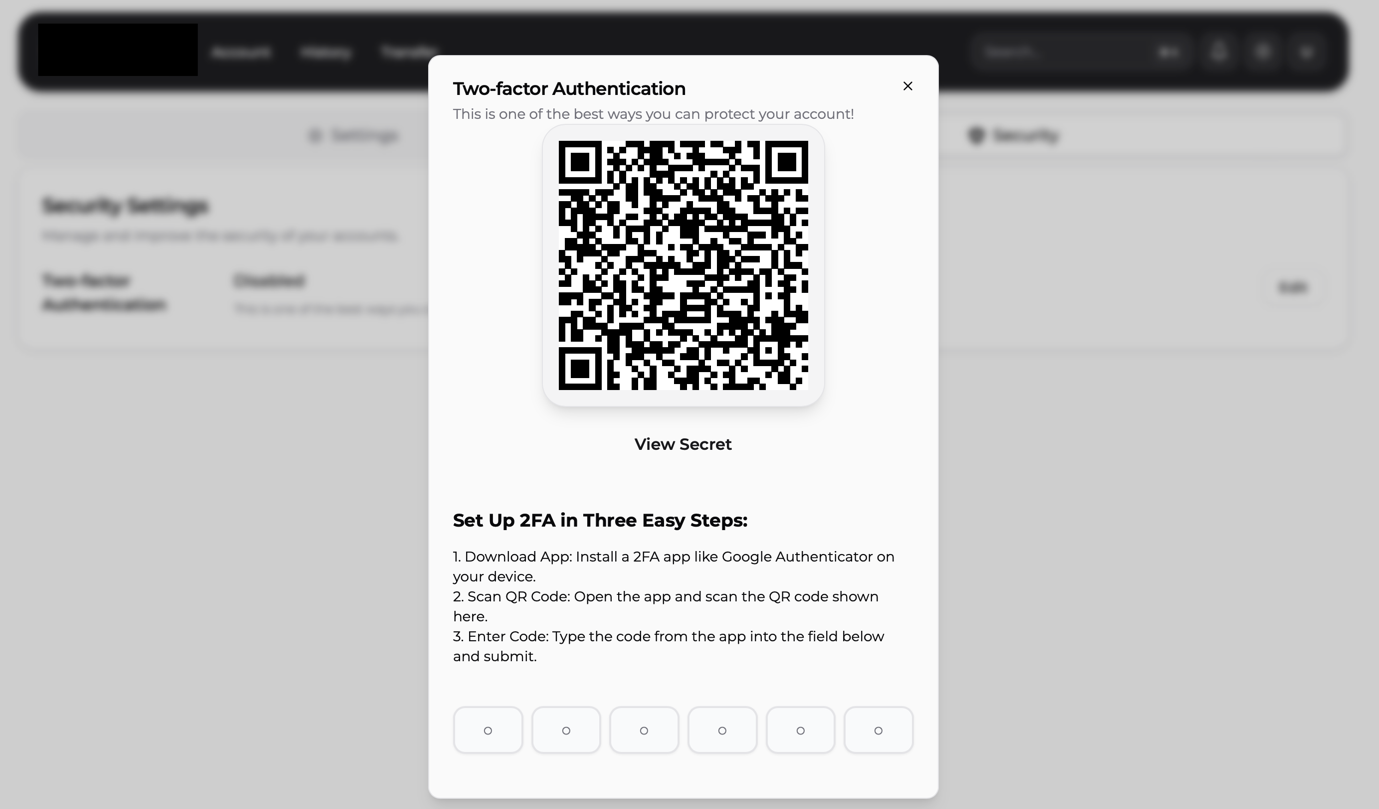
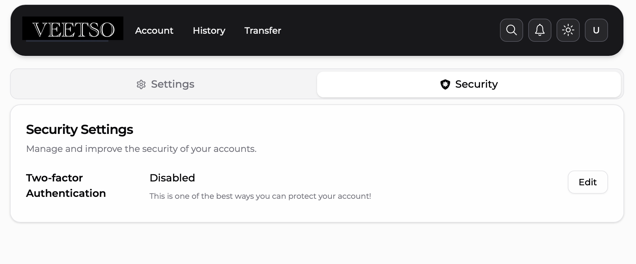
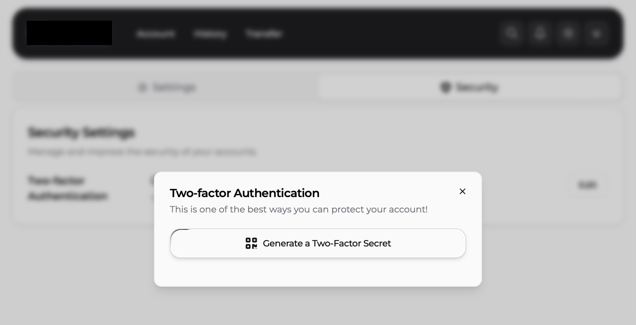
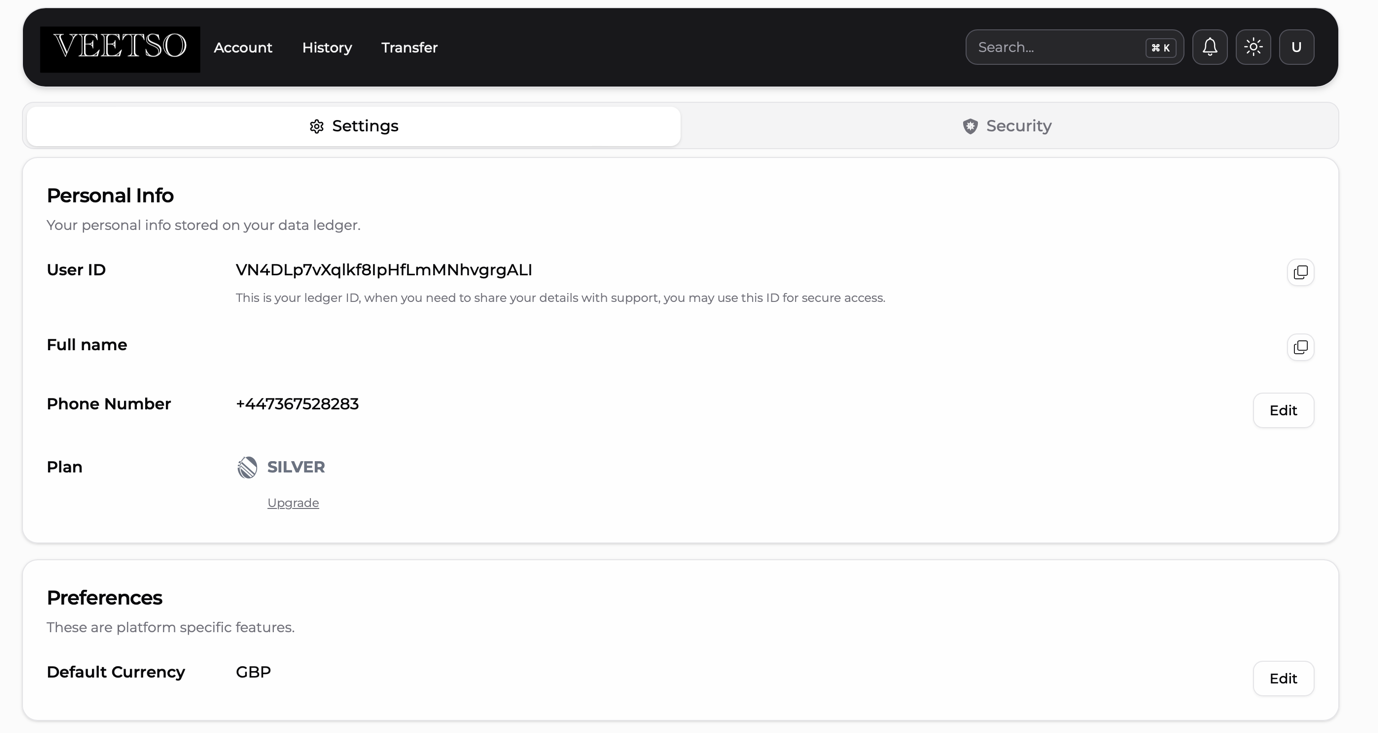
After login, clients can strengthen account security from settings — including two-factor authentication on all platforms and Face ID on supported mobile apps for faster, secure sign-in.
Personal verification flow
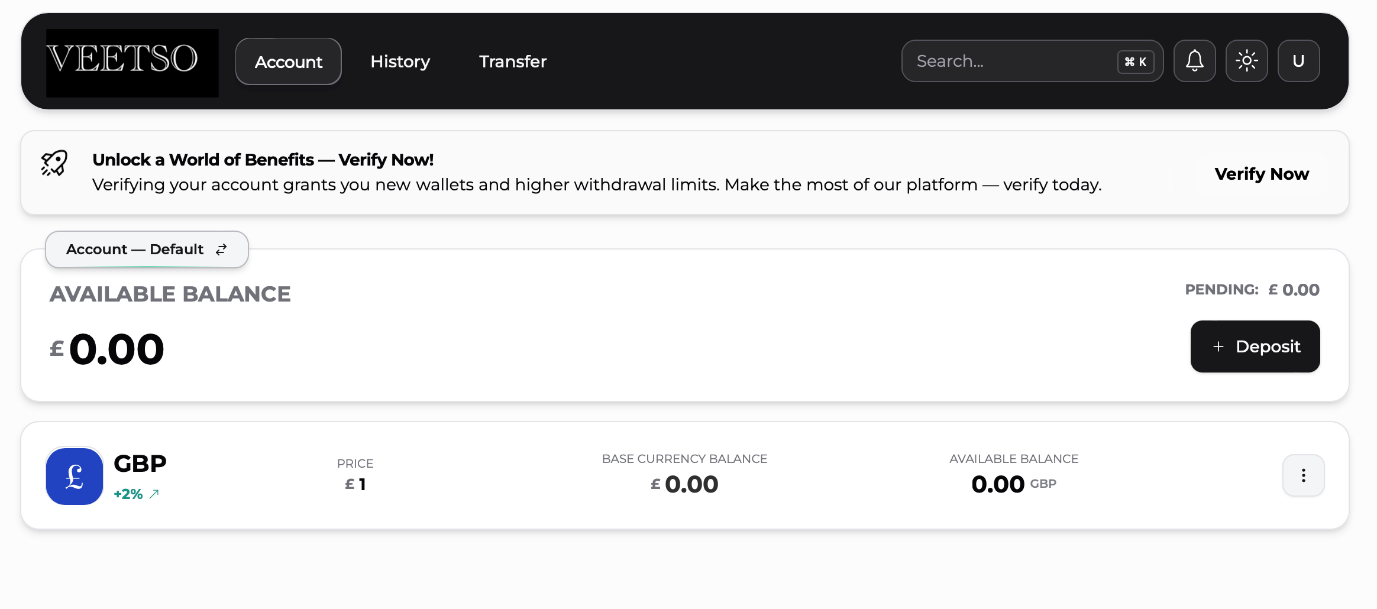
Individual customers start verification from the dashboard via Verify Now, then choose Personal, Corporate, or Sole Trader account types. Personal verification collects identity and address evidence, with automated document checks and status notifications.
Corporate account creation flow
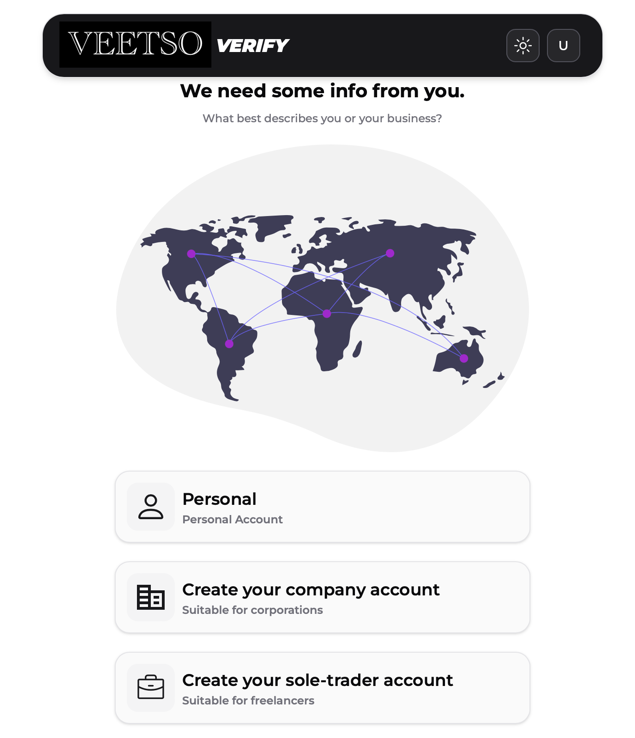
Corporate representatives select Verify Now and choose the corporate account path. They specify the country of registration and provide business identifiers, with UK businesses searchable via Companies House integration.
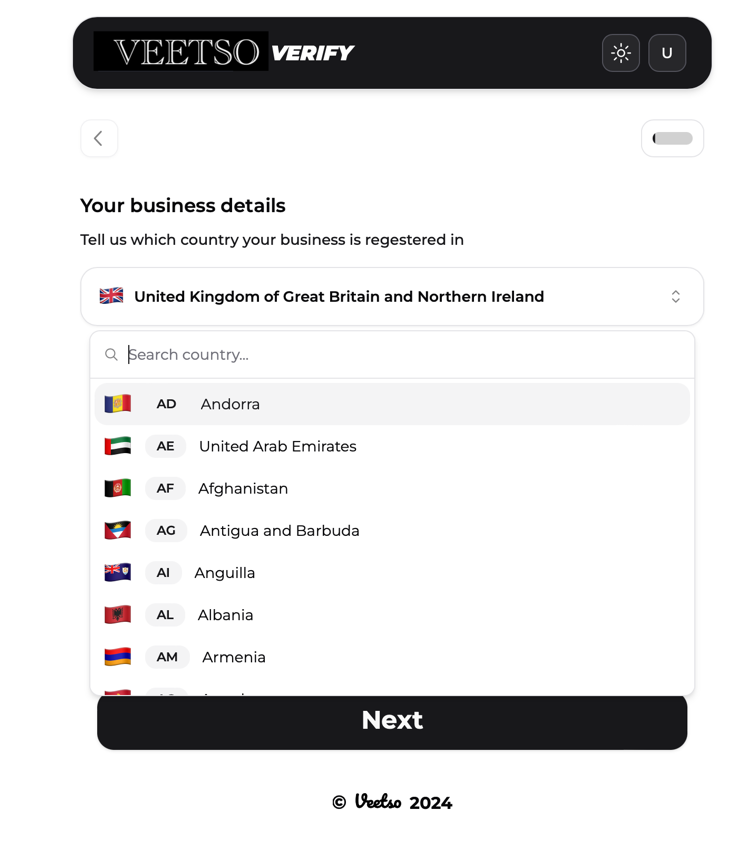
Business details entry
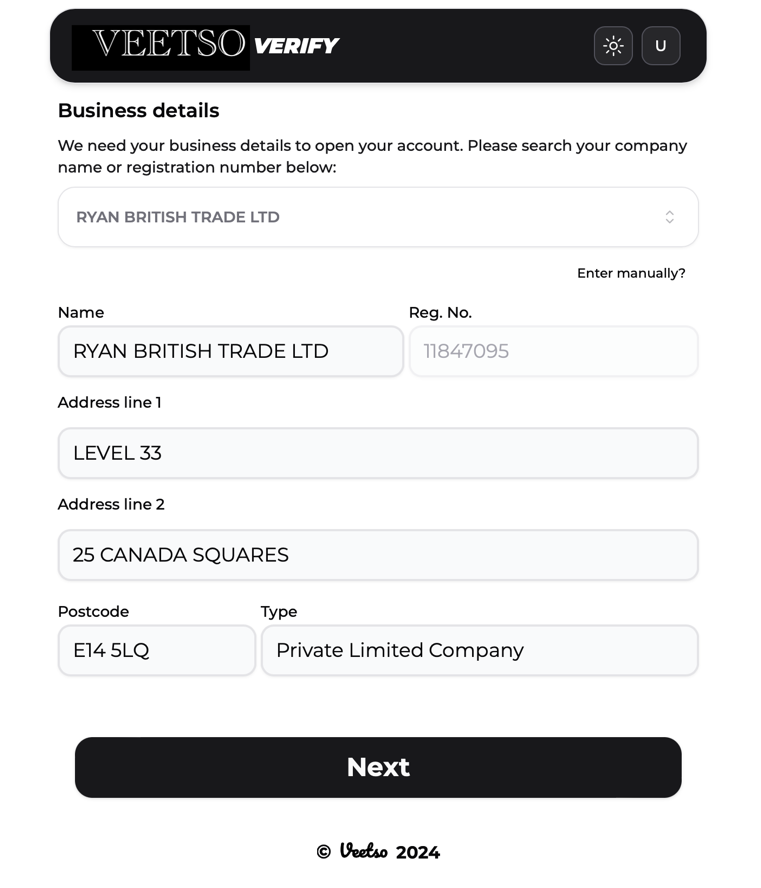
Business name and registration number are captured through Companies House search for UK entities, with manual entry available when the business is not listed or registered outside the UK.
Business classification / SIC flow
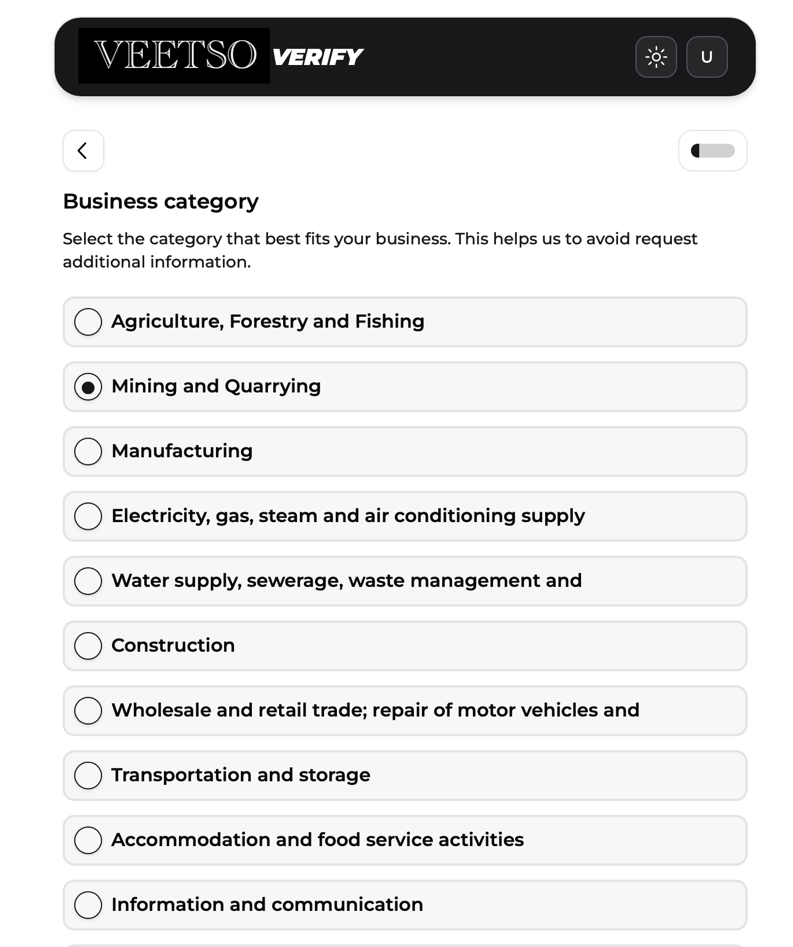
After the business is confirmed, clients select business category and sub-category from predefined lists aligned to Standard Industrial Classification (SIC) codes.
Business website / business info
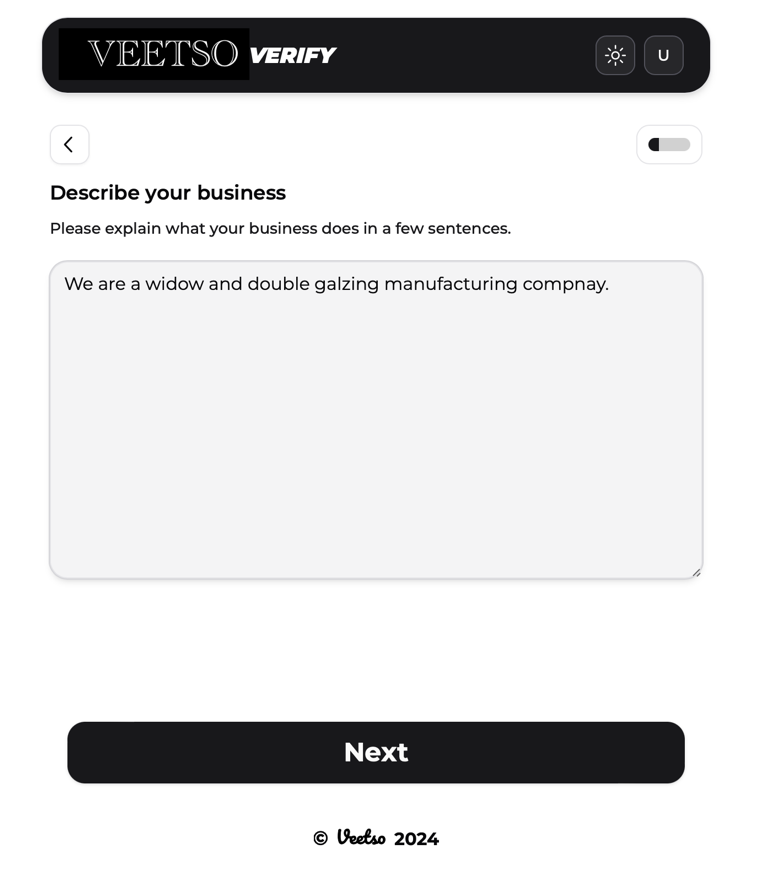
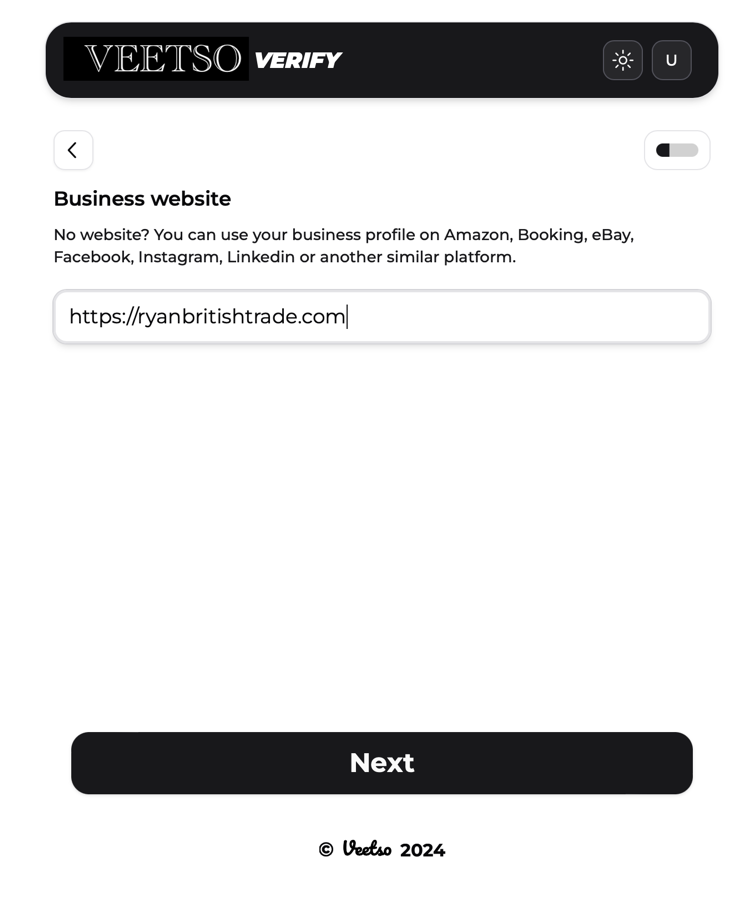
Clients describe their operations and add website URLs or credible social and web presence links (for example LinkedIn) to support business understanding during onboarding.
Company size / annual turnover / customer type
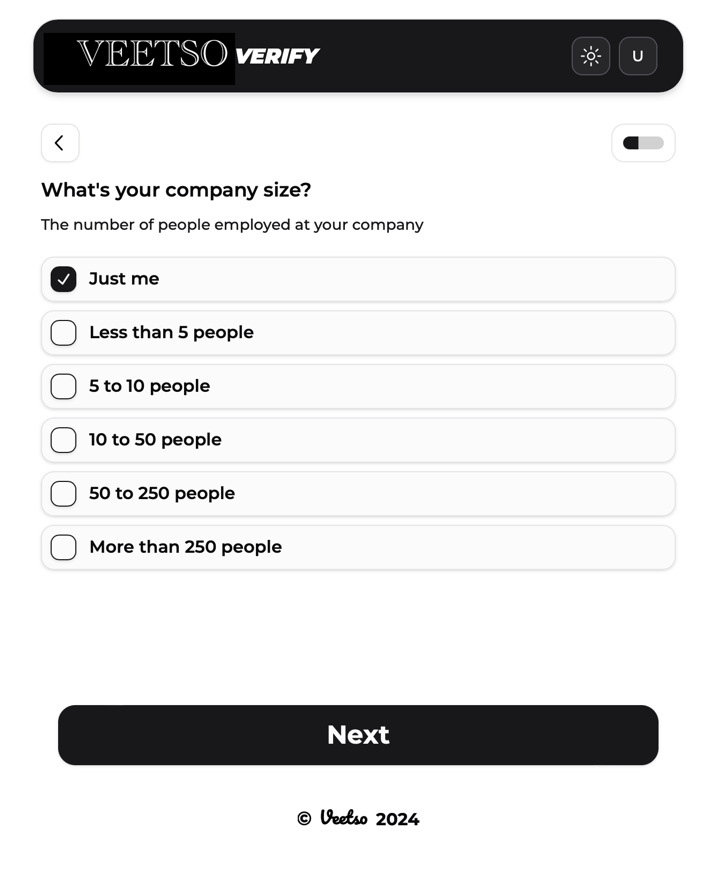
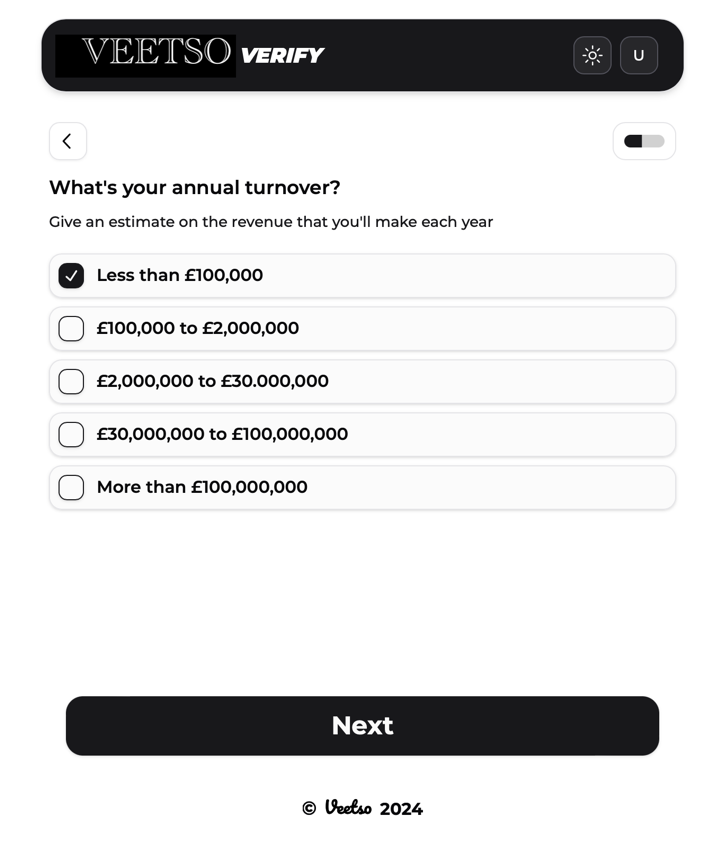
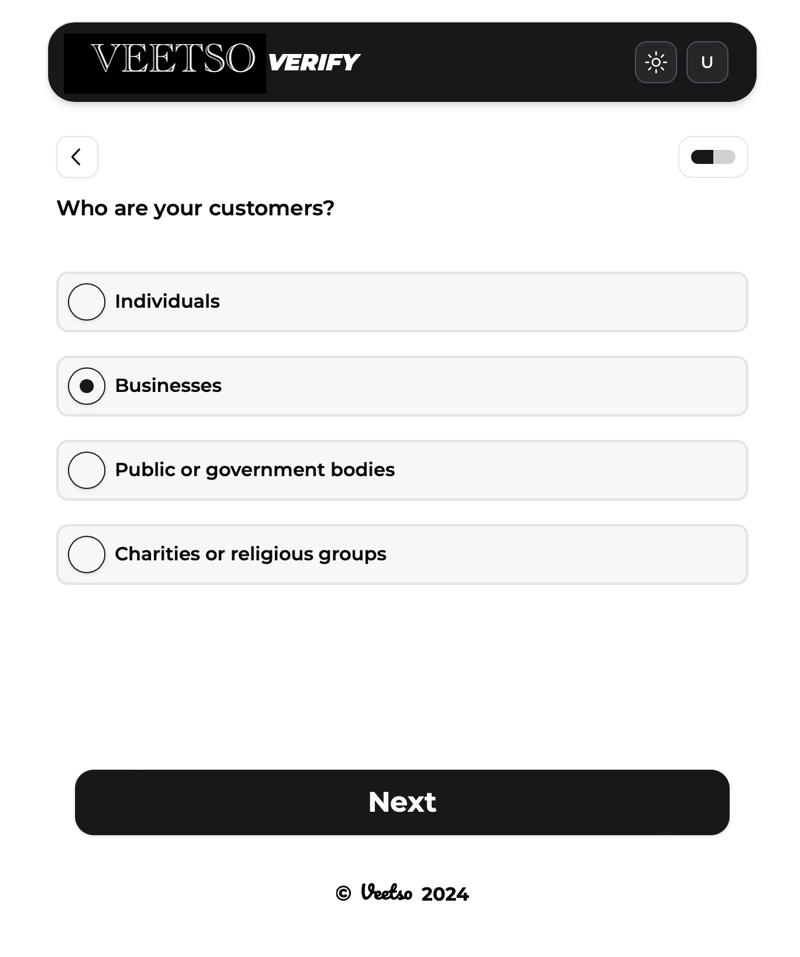
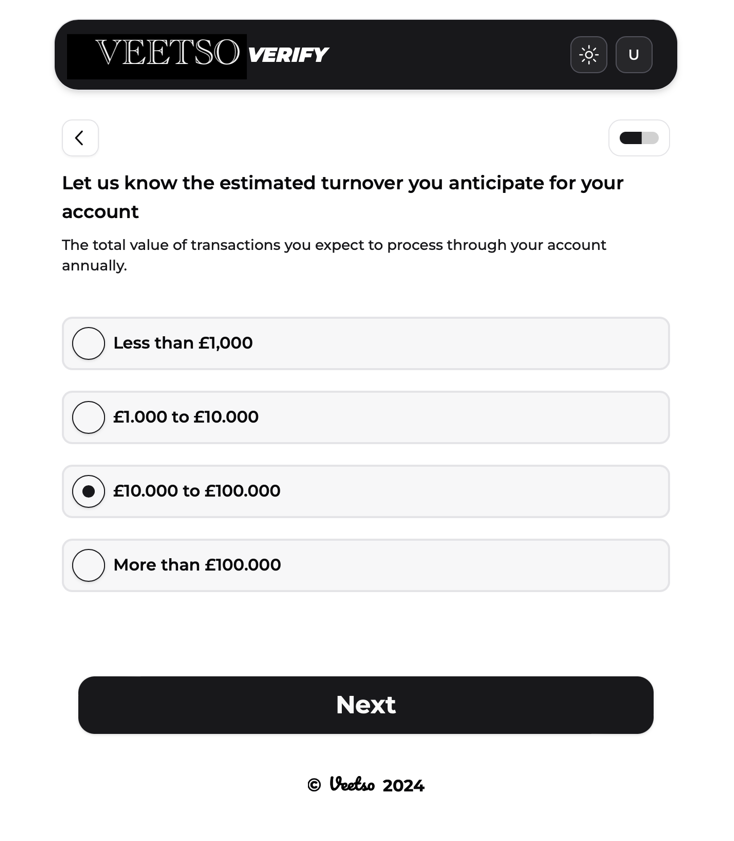
Corporate onboarding captures business scale, revenue profile, customer segments served, and estimated account throughput to support risk and suitability assessment.
Account purpose / operating address
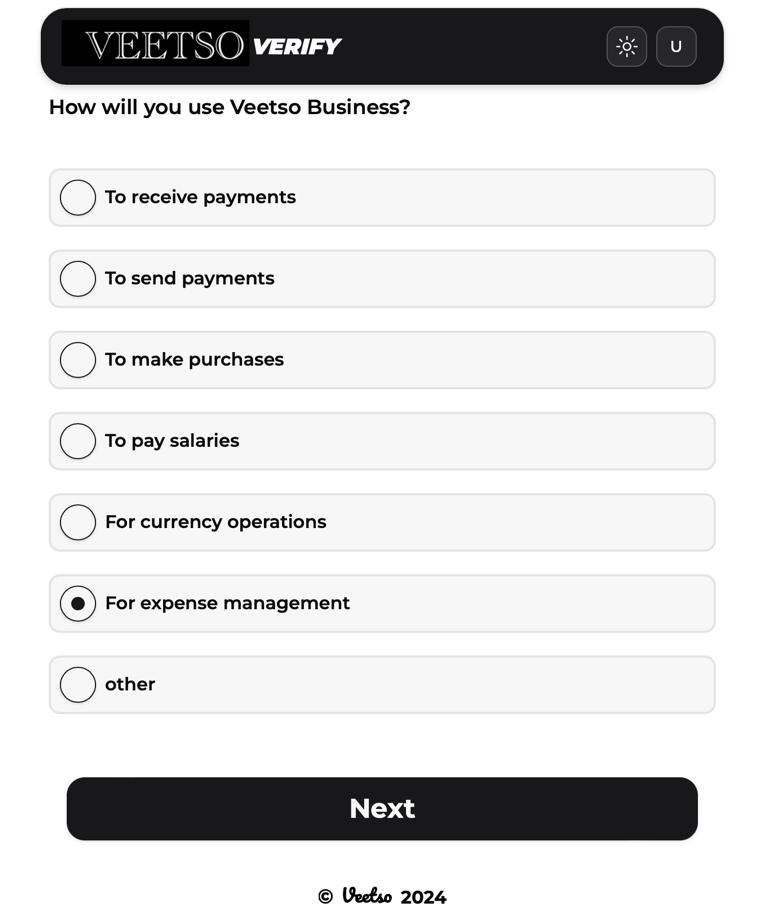
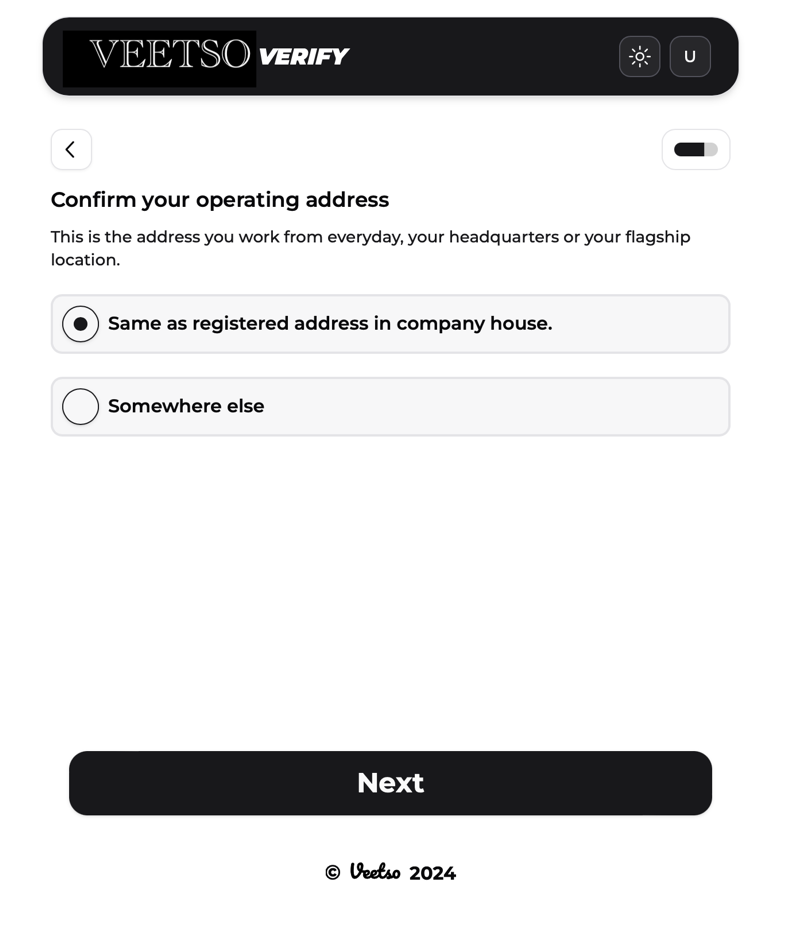
Clients state intended account use (payroll, vendor payments, international transfers, and similar purposes) and confirm operating address — selecting the registered address or searching via maps integration with manual entry when needed.
UBO / director verification
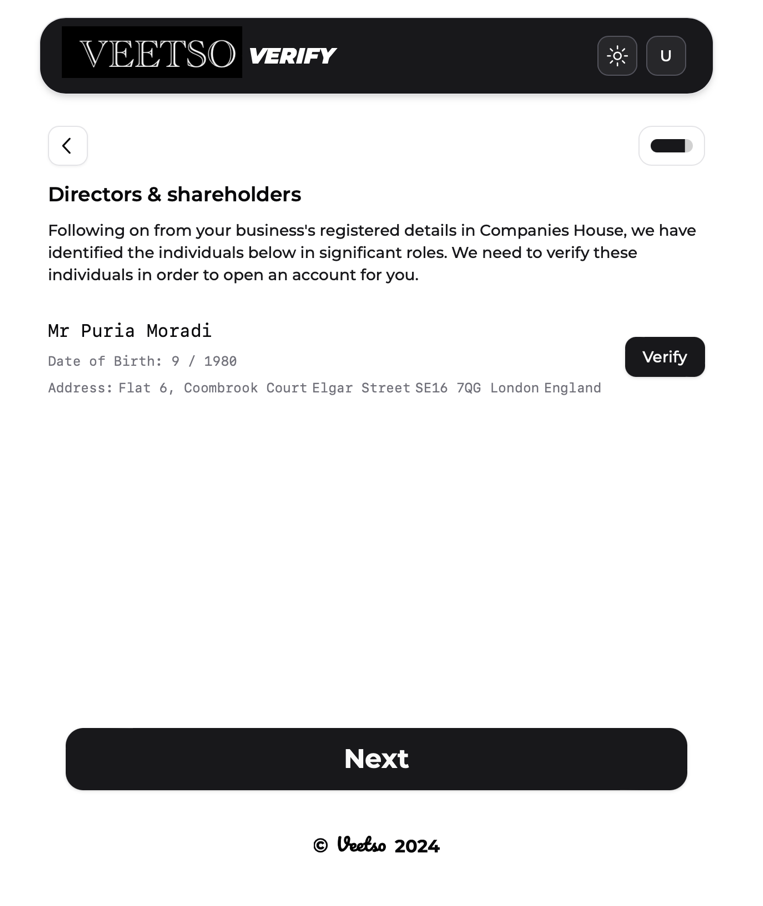
The platform retrieves UBOs (over 25% ownership) and directors via Companies House where applicable. Each individual completes personal verification; shareable email links allow verification without full system login.
Document upload / compliance review
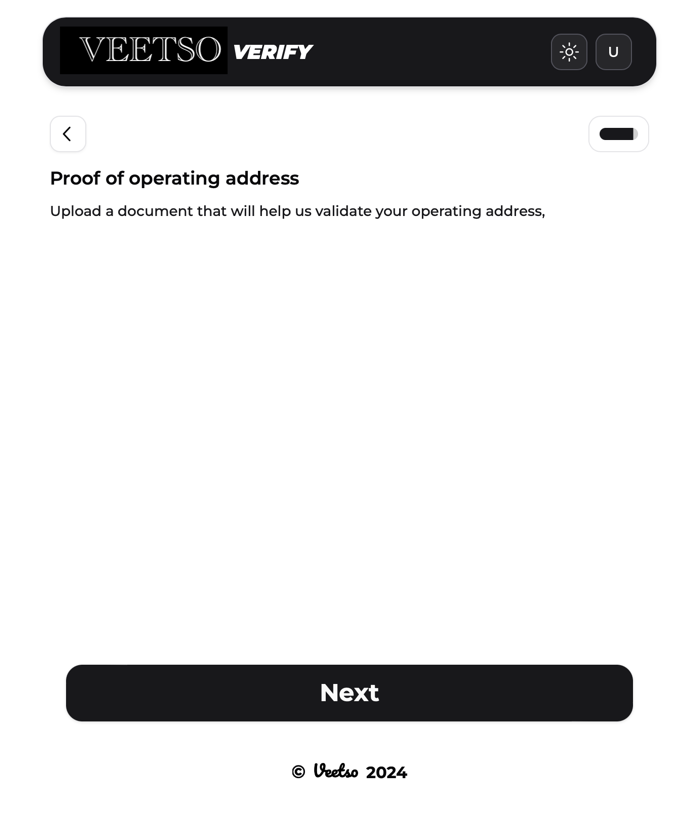
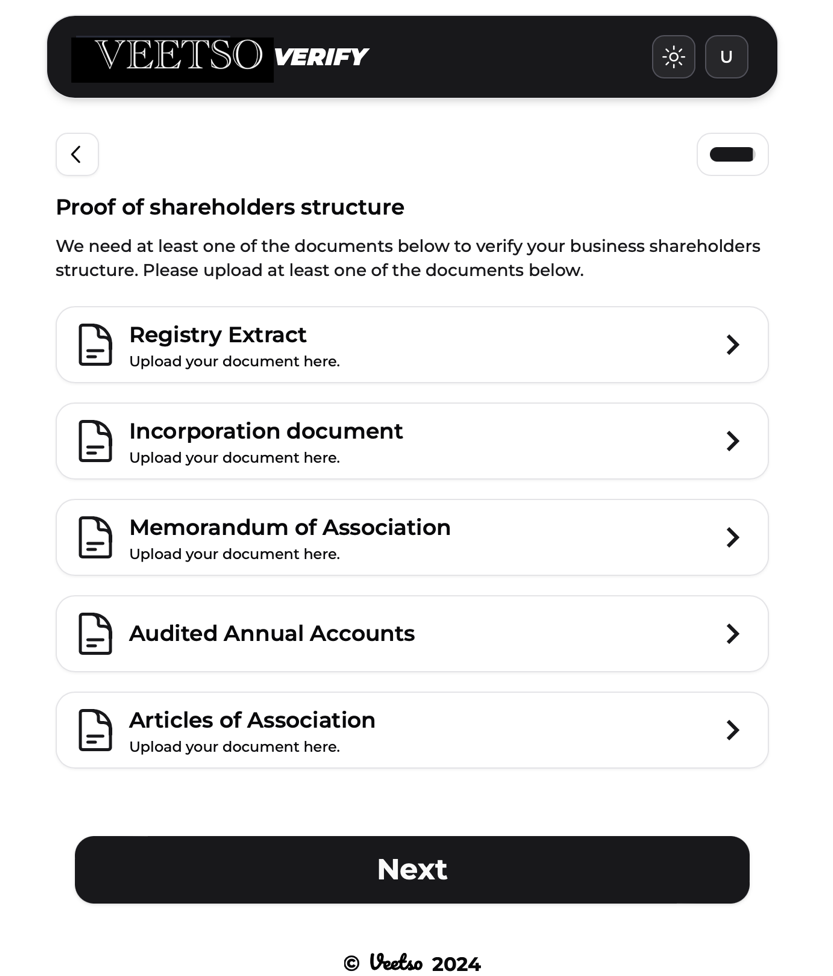
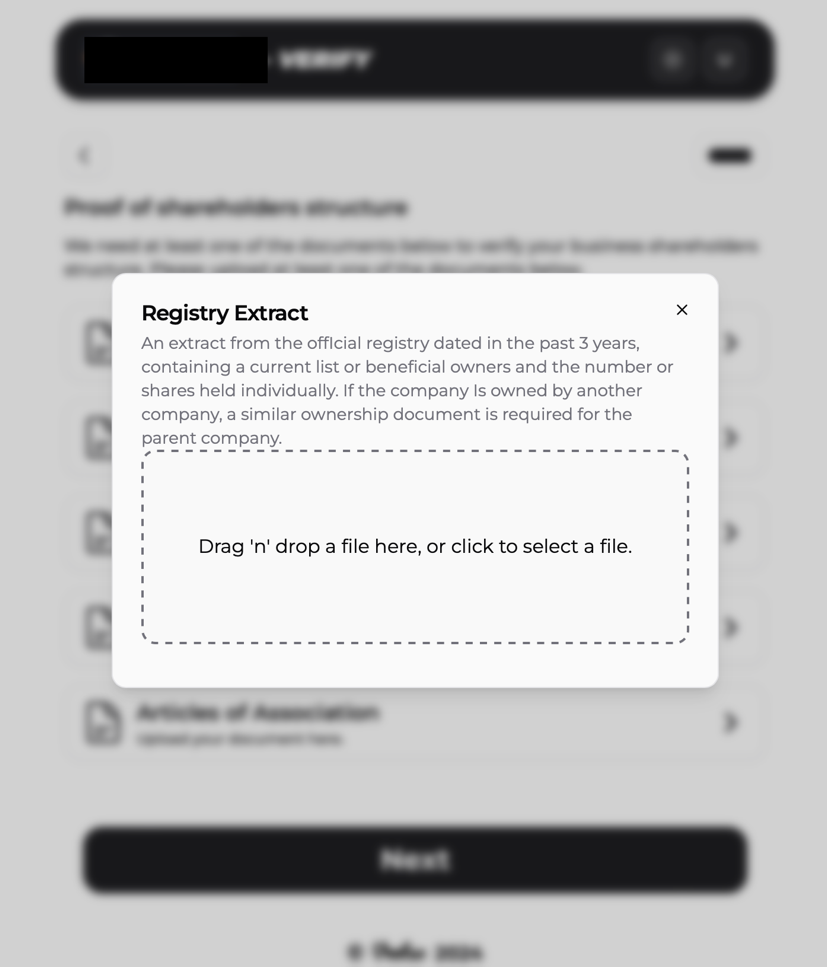
Operating-address proof and shareholder-structure documents are uploaded from approved document types. Submitted materials are checked for authenticity and compliance, with outcomes communicated in-app and by email.
Deposit flow
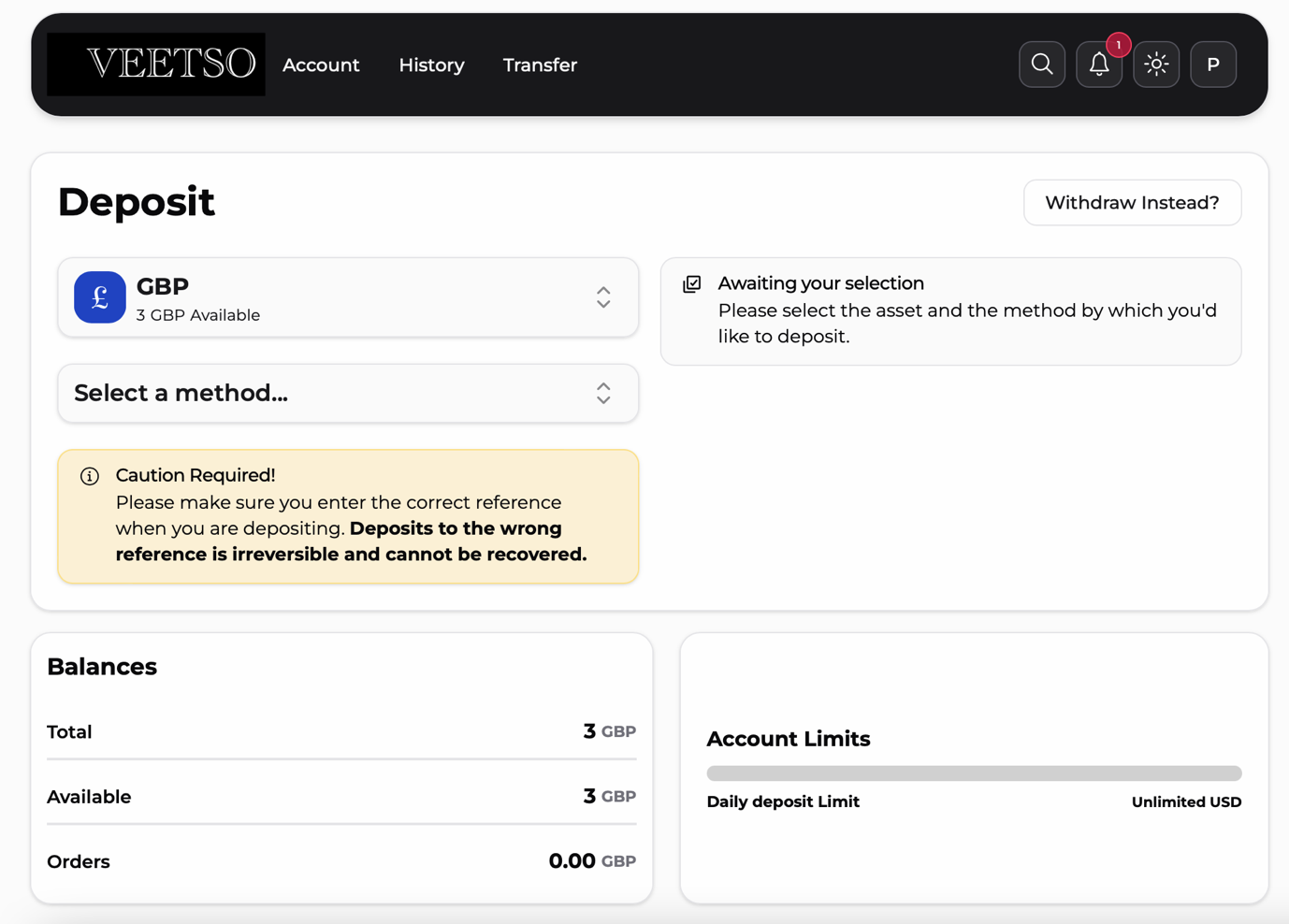
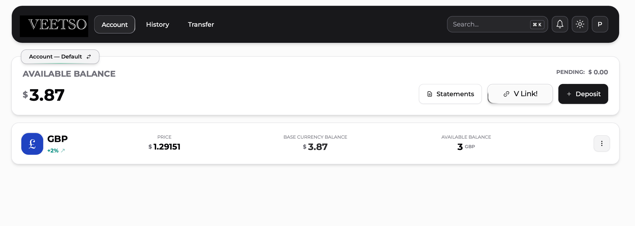
Per currency, customers access deposit and withdraw submenus. Bank transfer is available in the current design, with expansion planned for additional funding methods including open banking for eligible corporate accounts.
Withdrawal flow
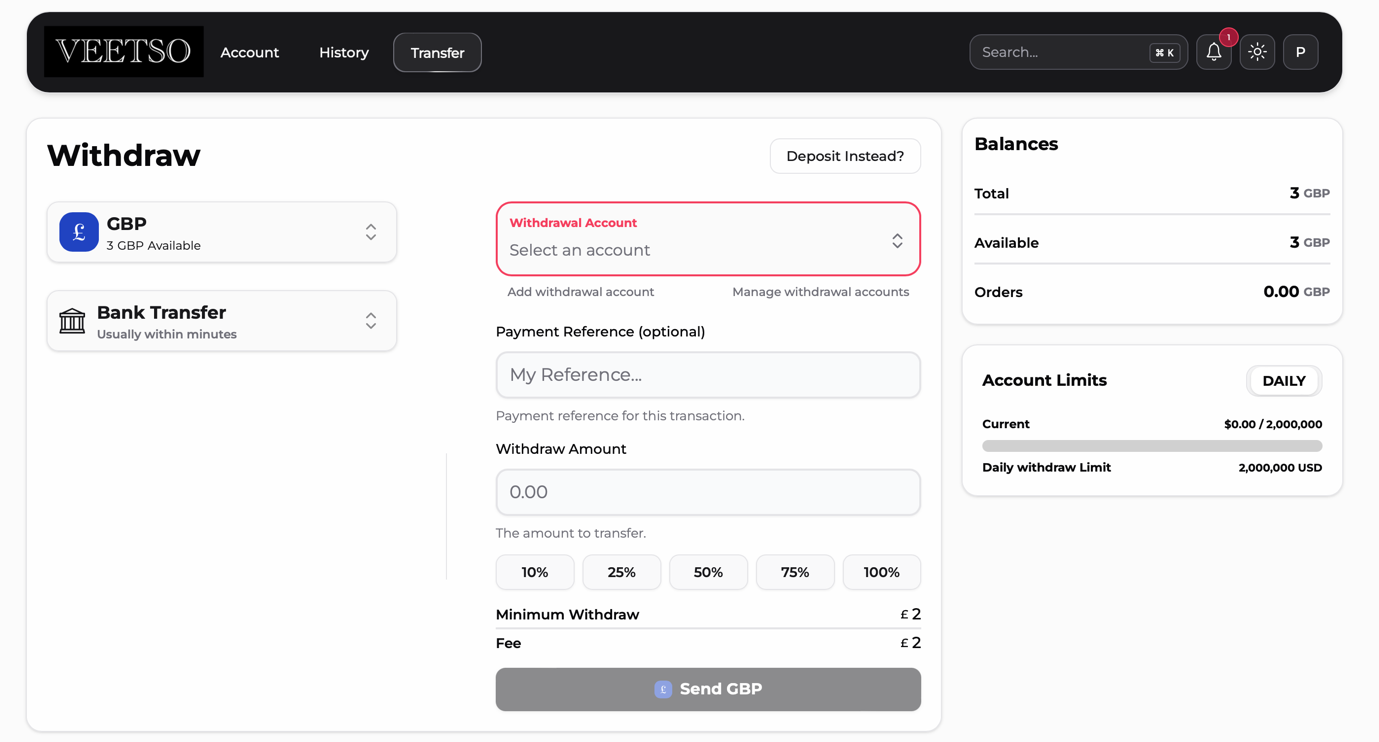
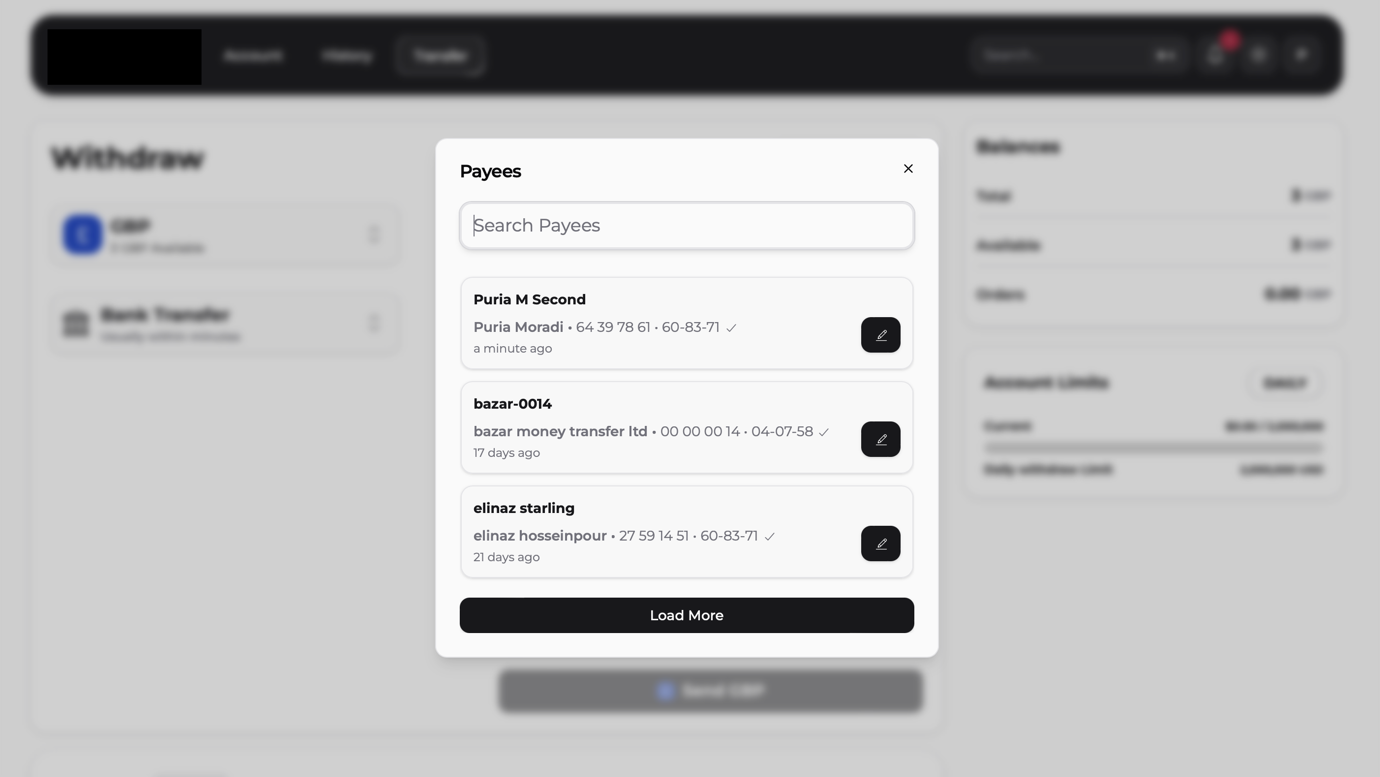
Withdrawals require selecting or creating a payee. Clients choose from existing payees or add new beneficiaries before initiating outbound payments.
Payee creation and verification
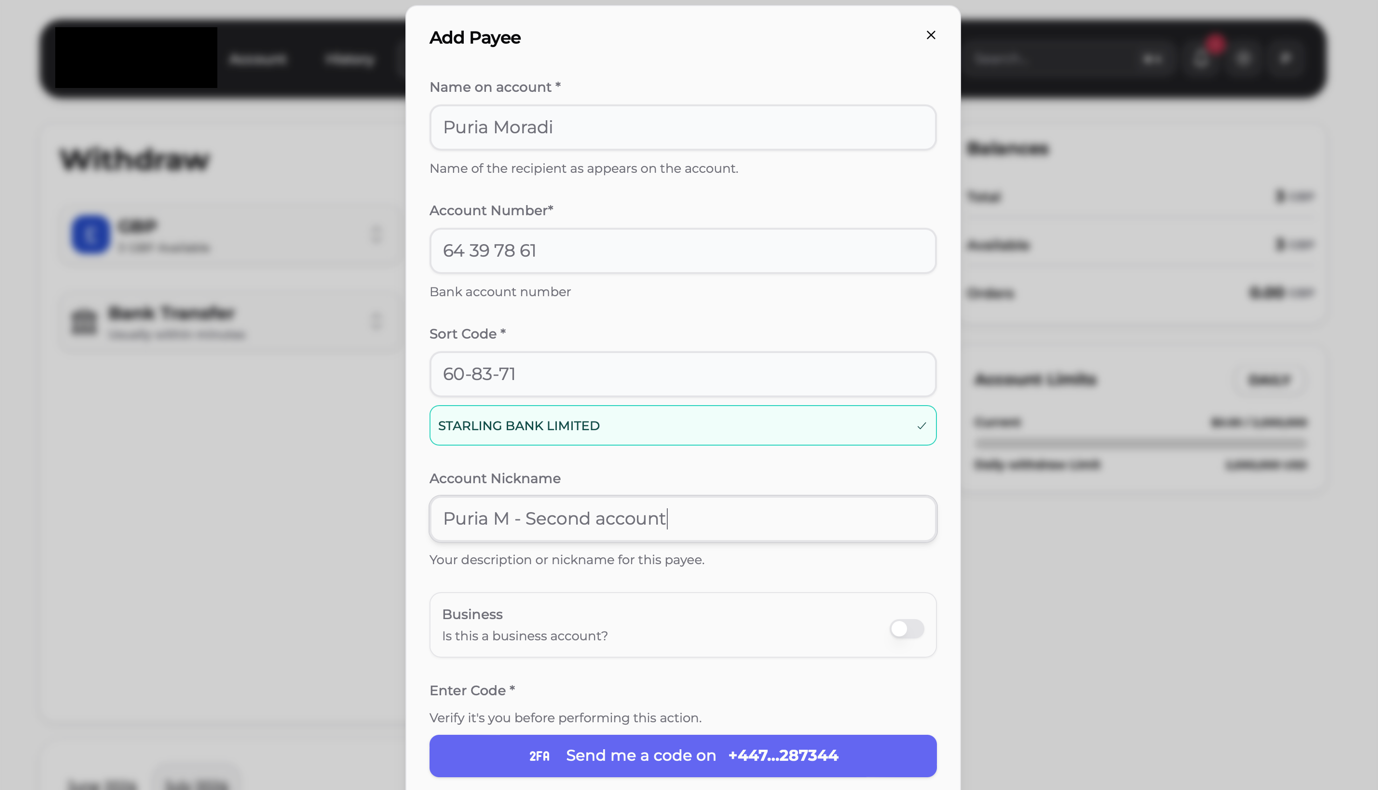
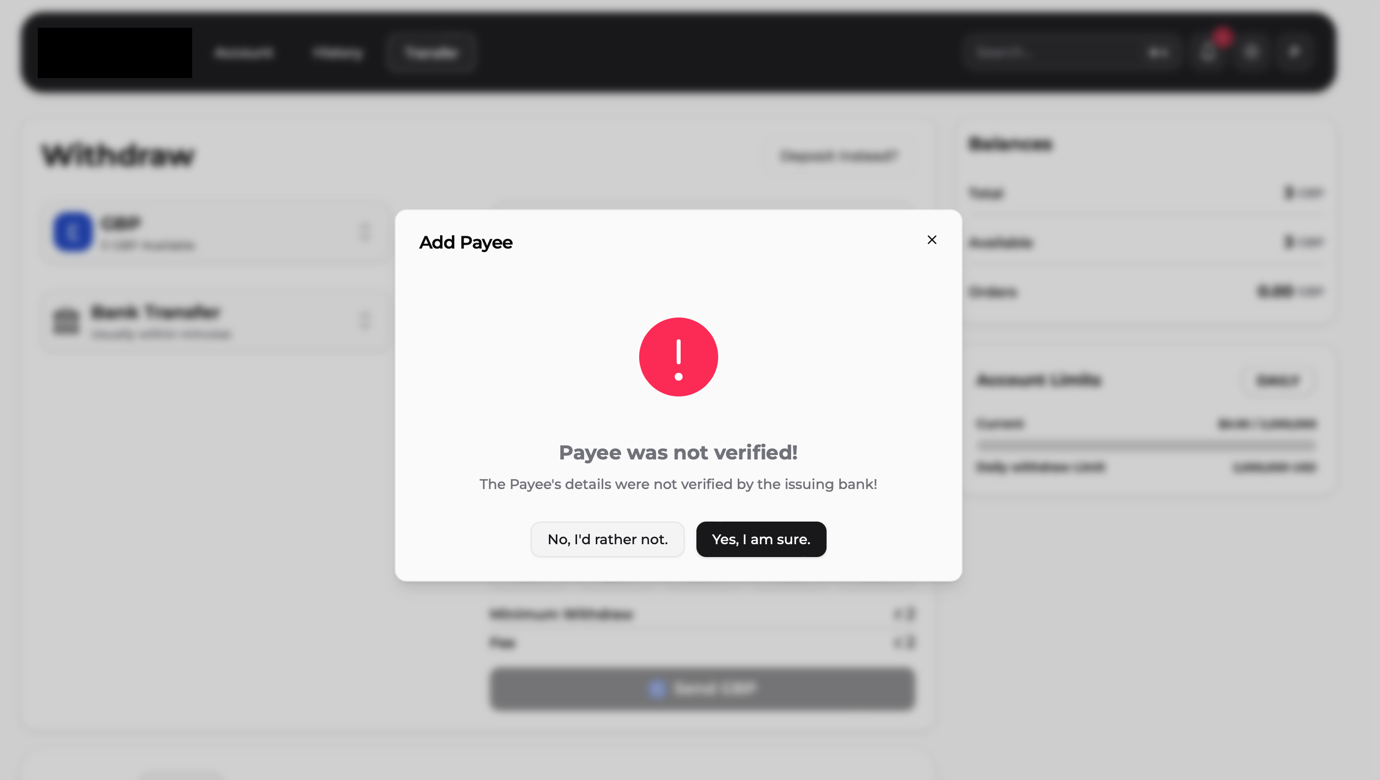
New payees are validated through open banking and Confirmation of Payee (COP), producing matched, partial-match, or no-match outcomes. Clients may proceed only after explicit confirmation when a match is uncertain.
Transaction history and statement export
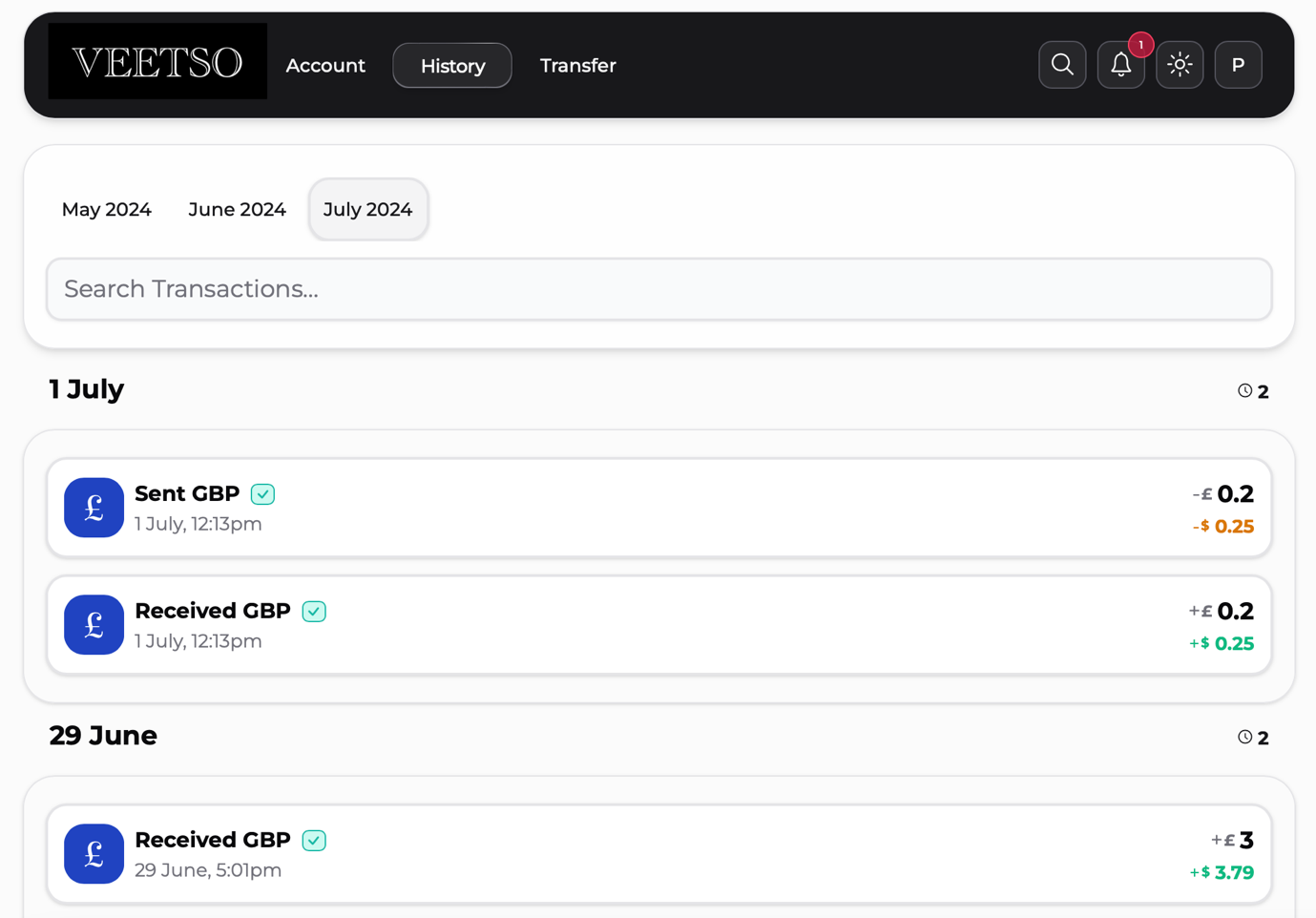
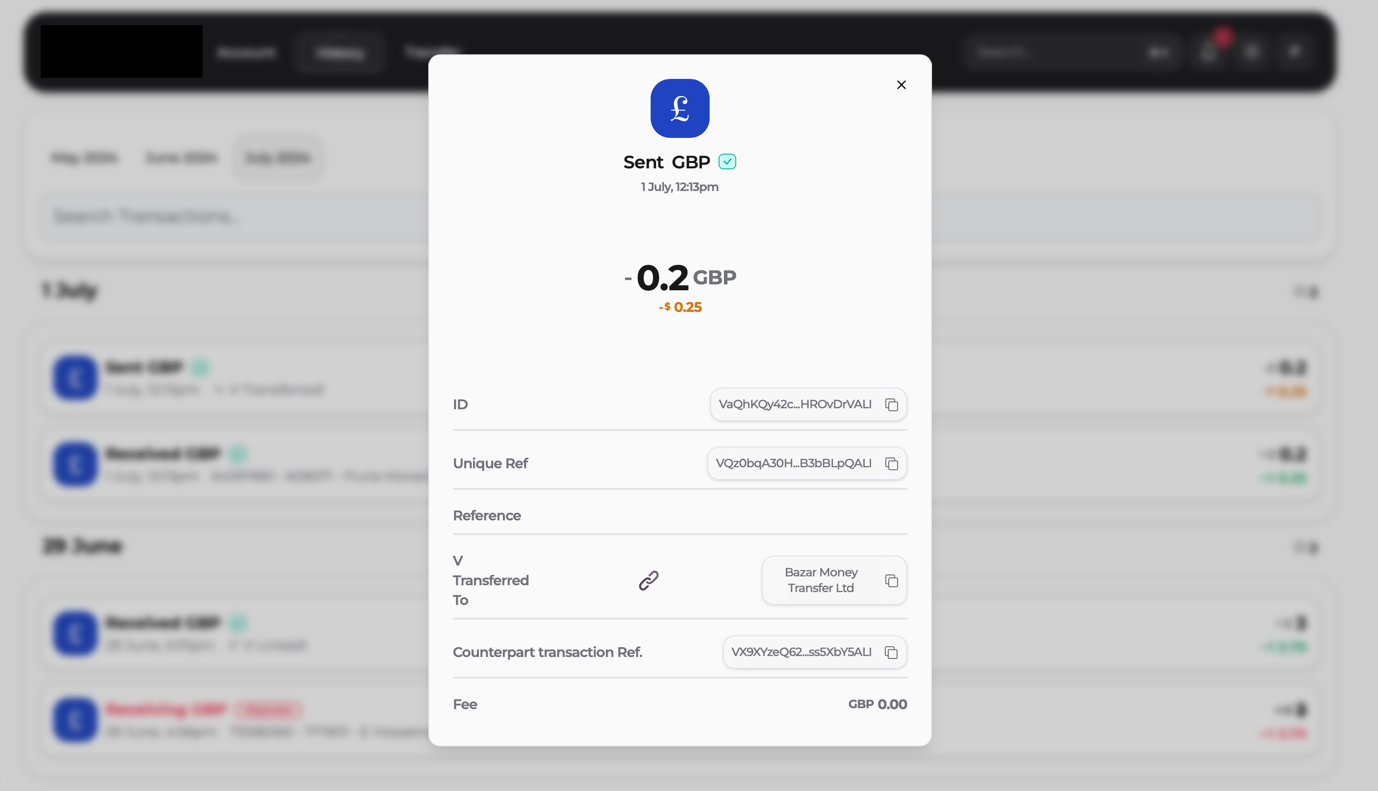
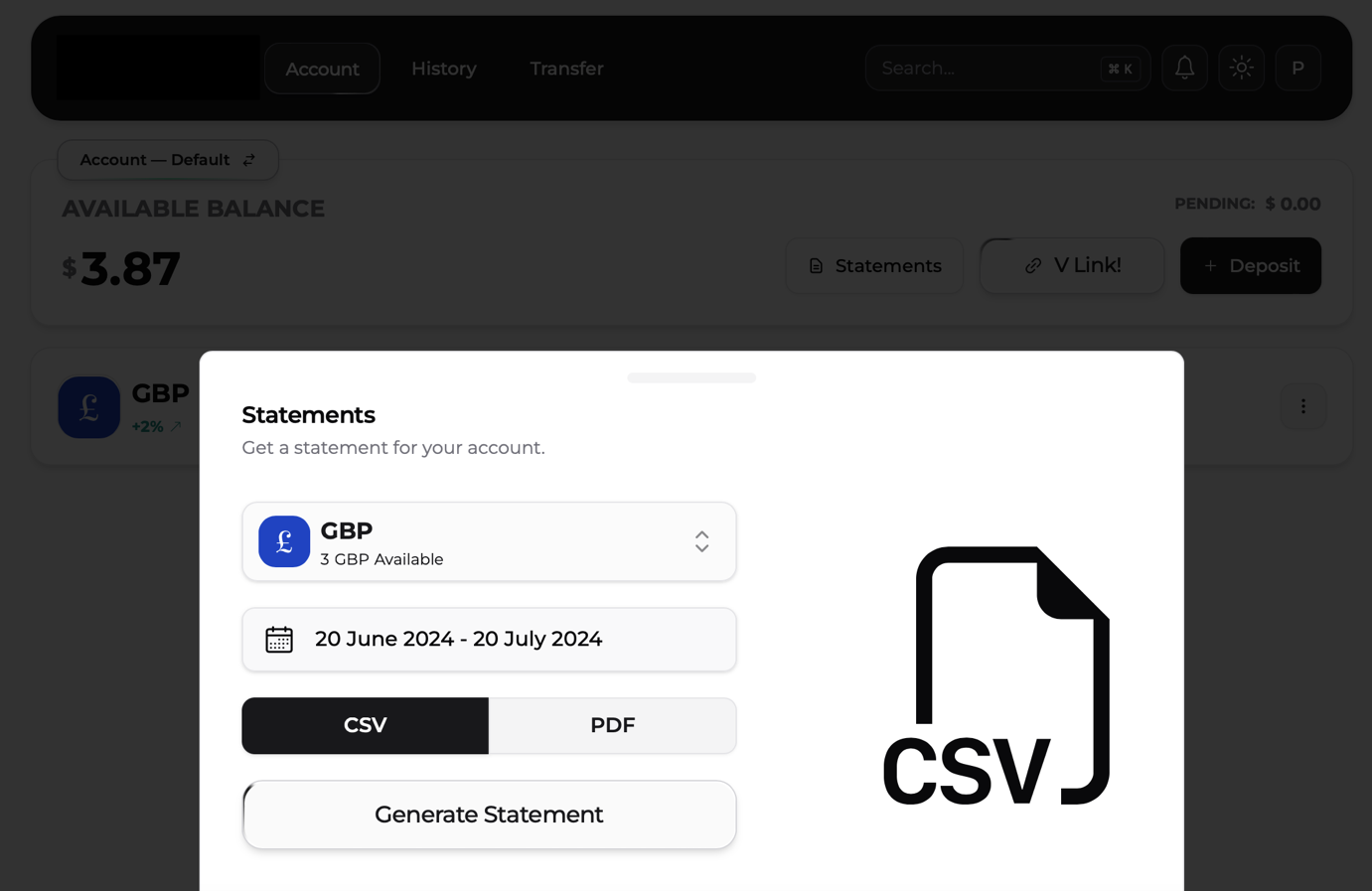
The history area shows full transaction records with date, amount, and counterparty details. Multi-criteria search filters payments, and clients can export history to PDF or CSV.
VLINK / internal transfer flow
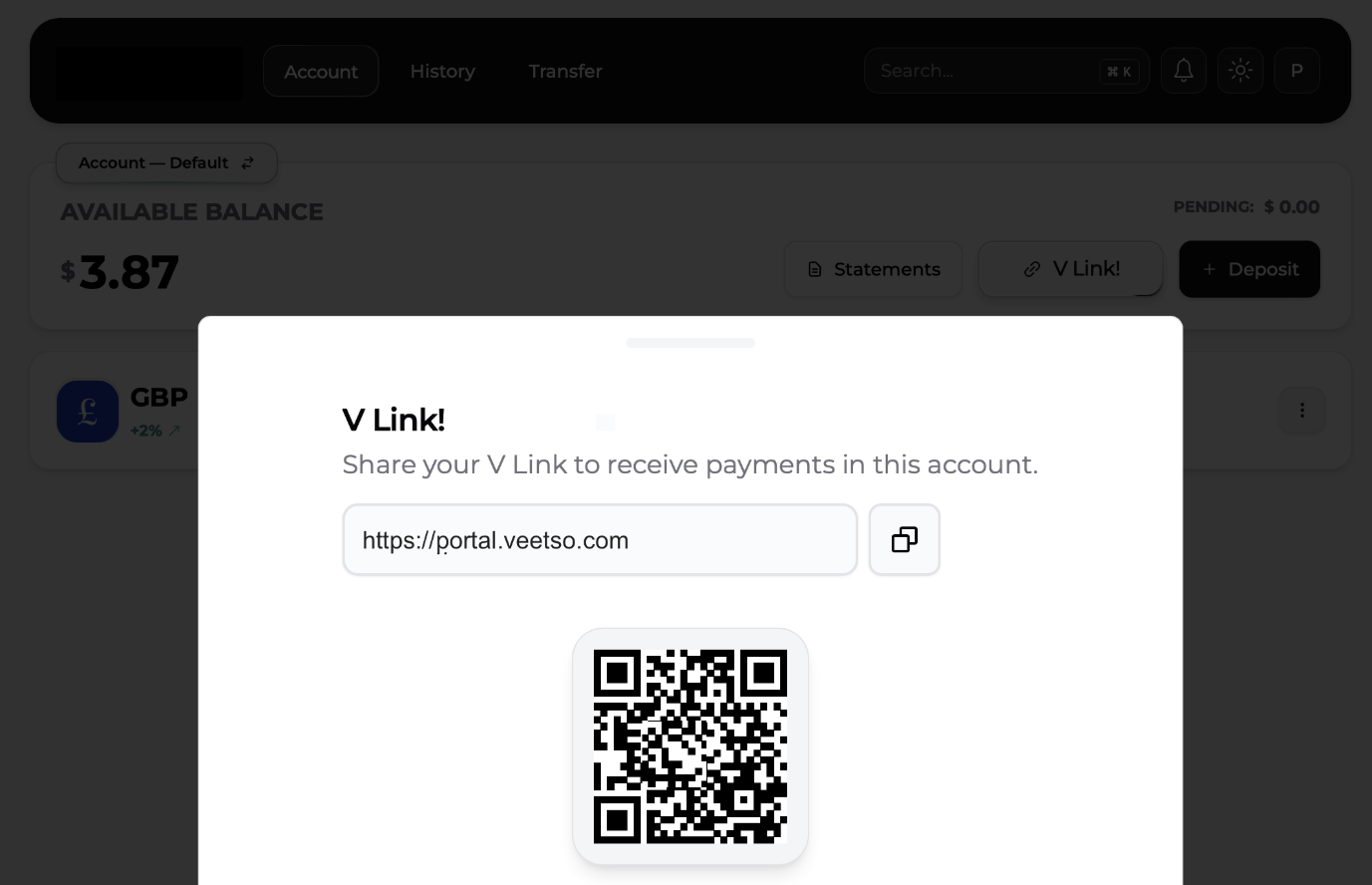
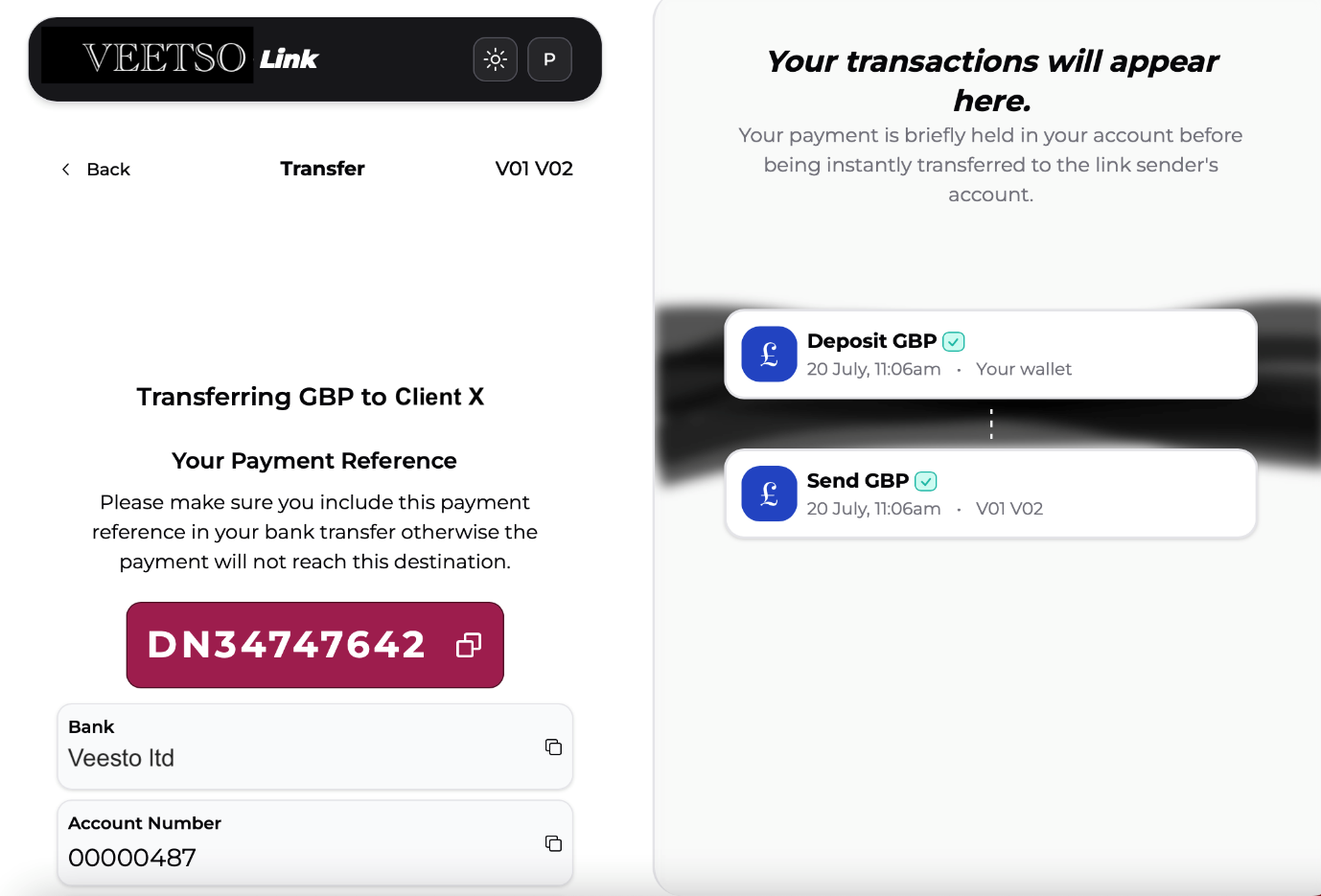
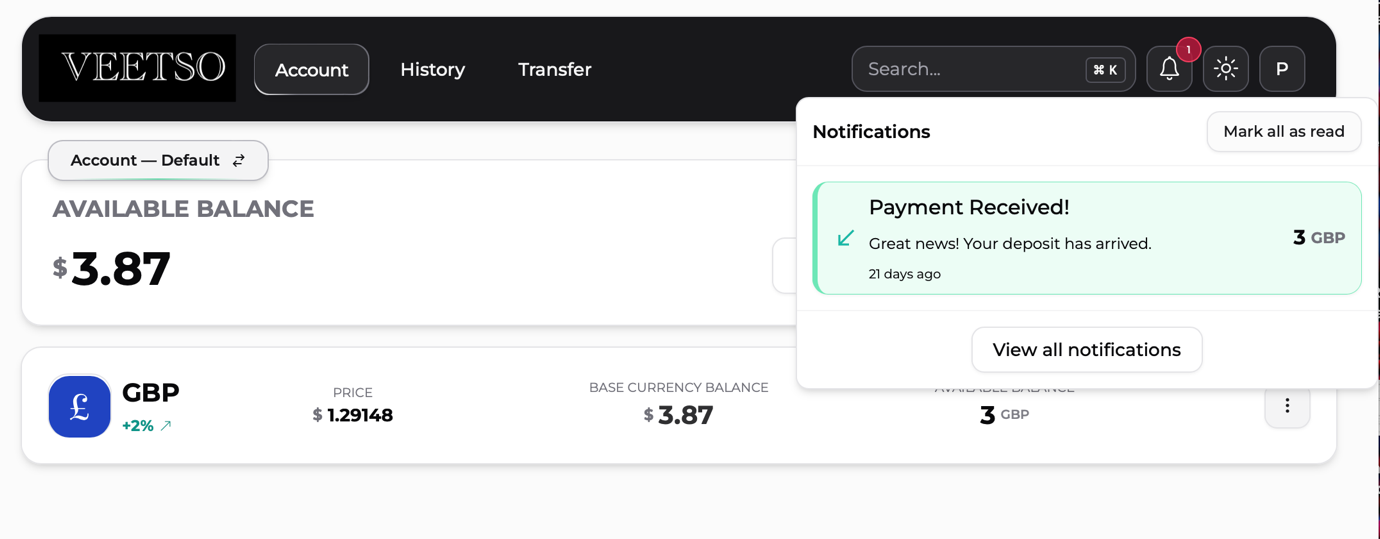
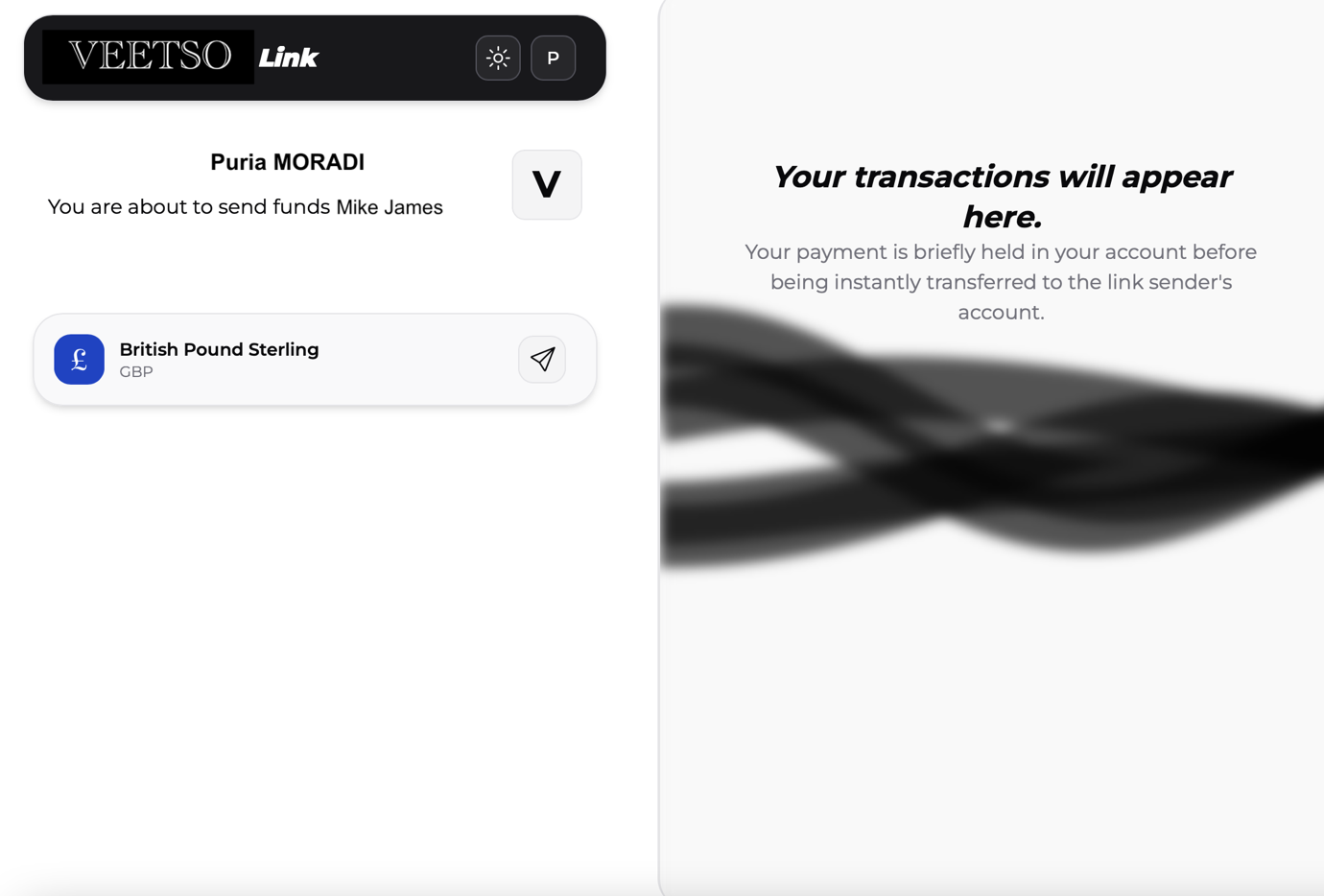
VLINK supports corporate open-banking payment requests and internal transfers for eligible clients. Businesses generate payment links; individuals and corporates can also use links for internal fund transfers.
Open banking payment request flow
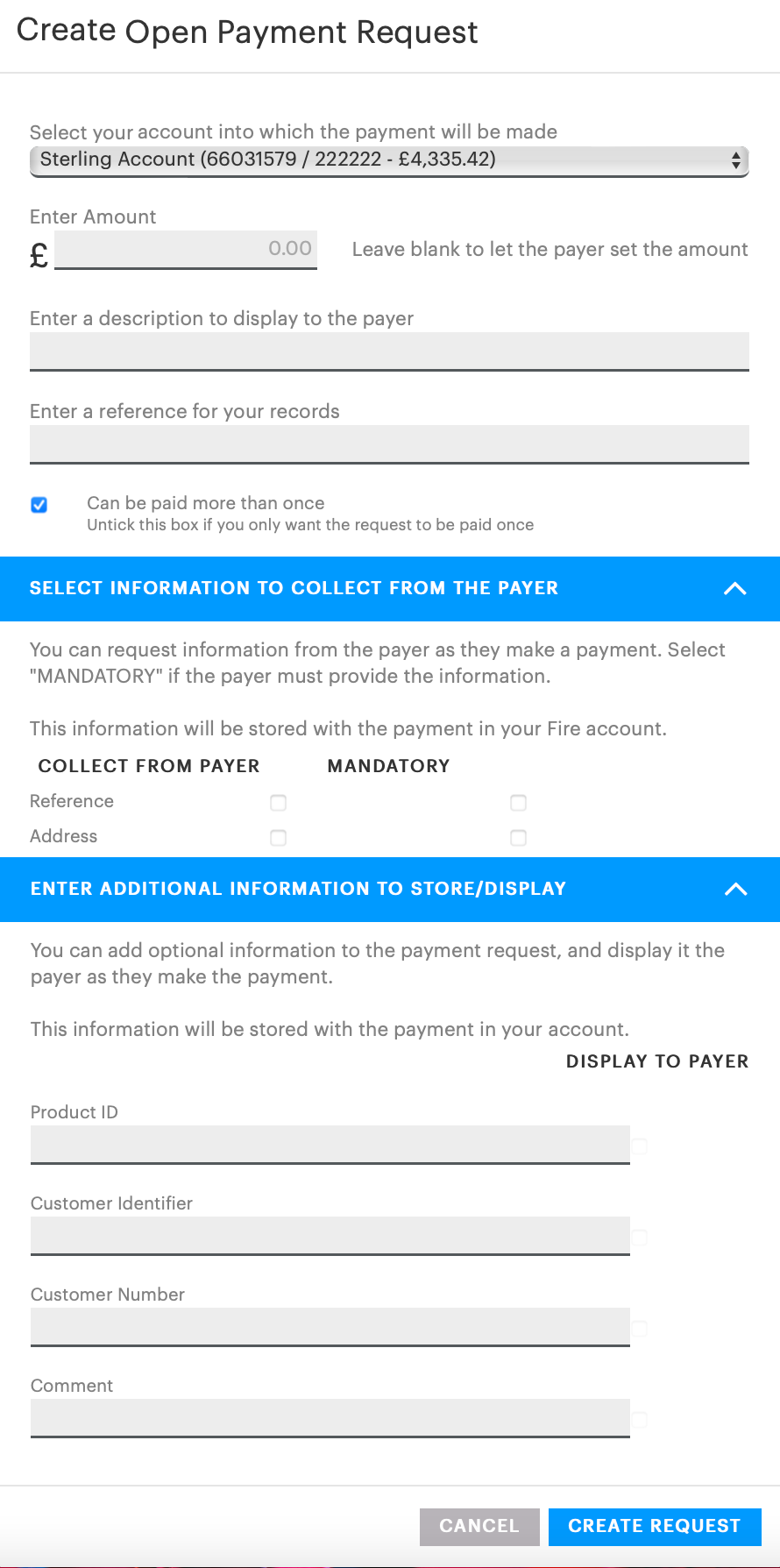
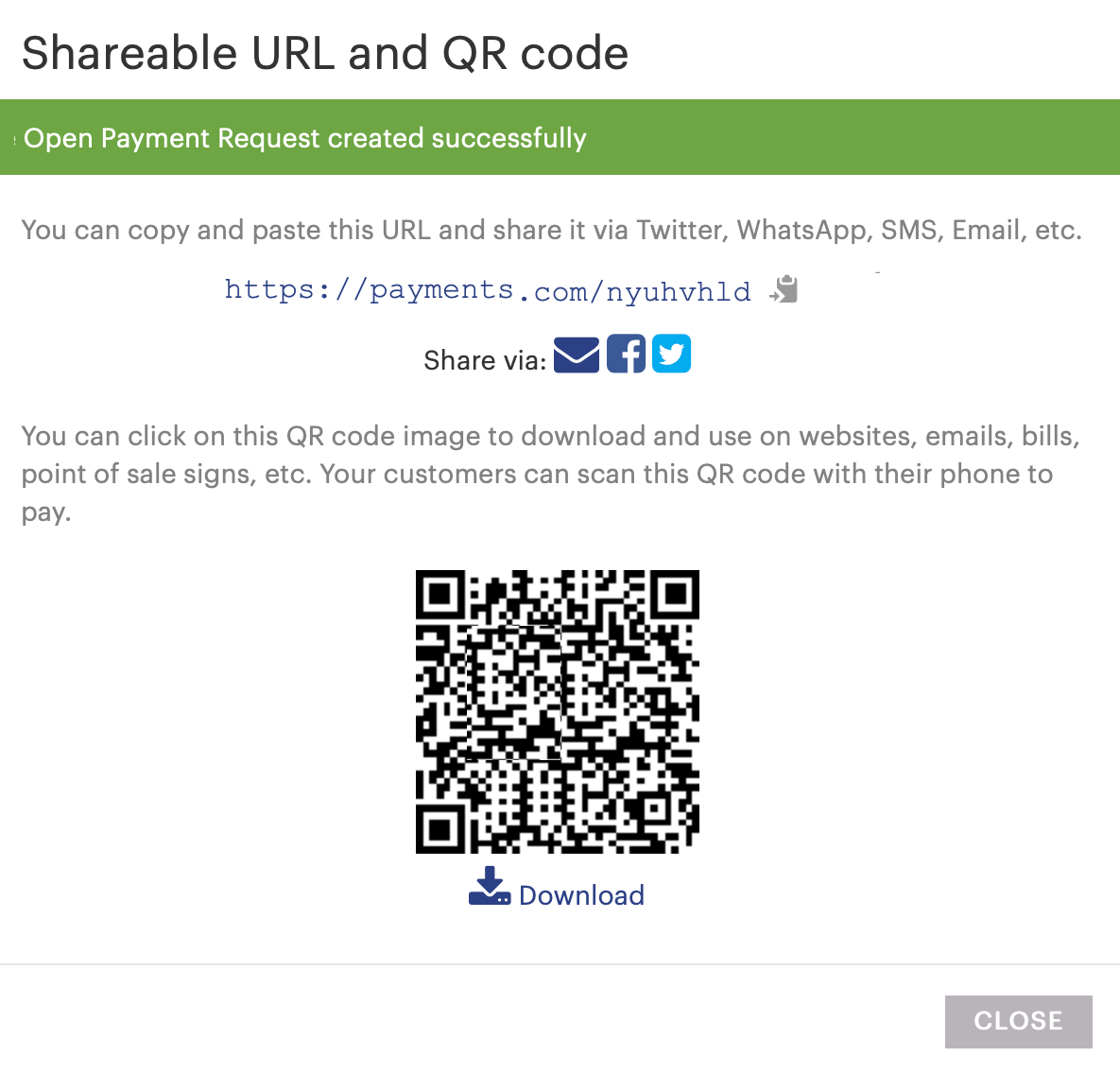
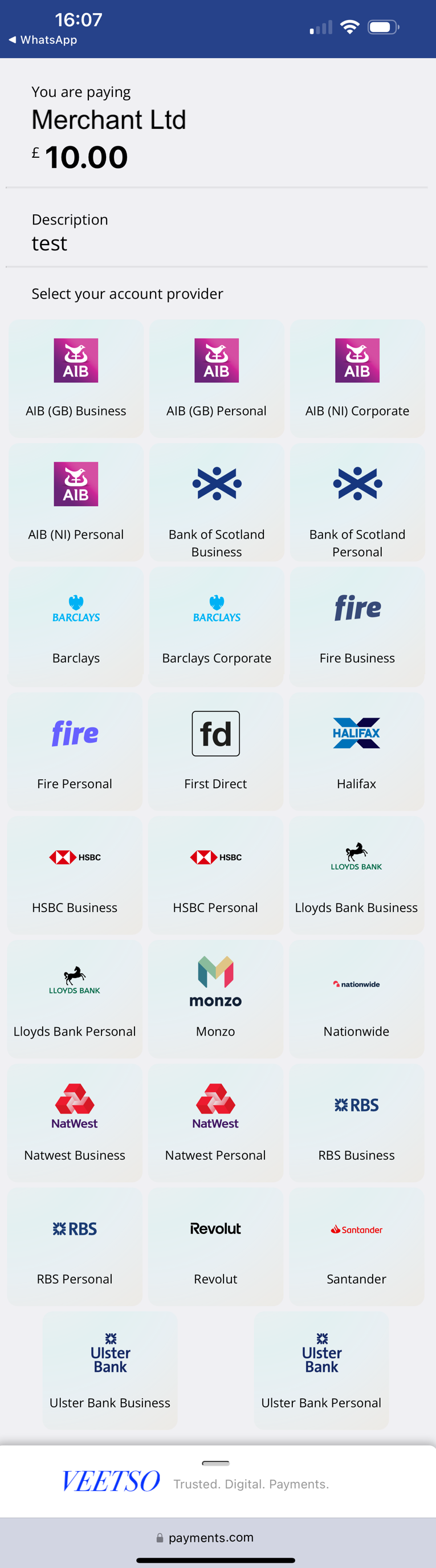
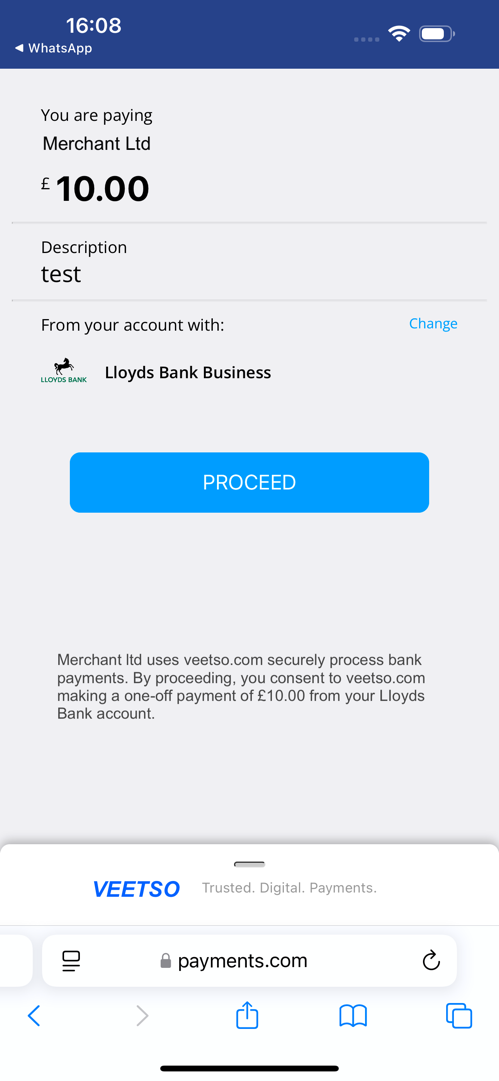
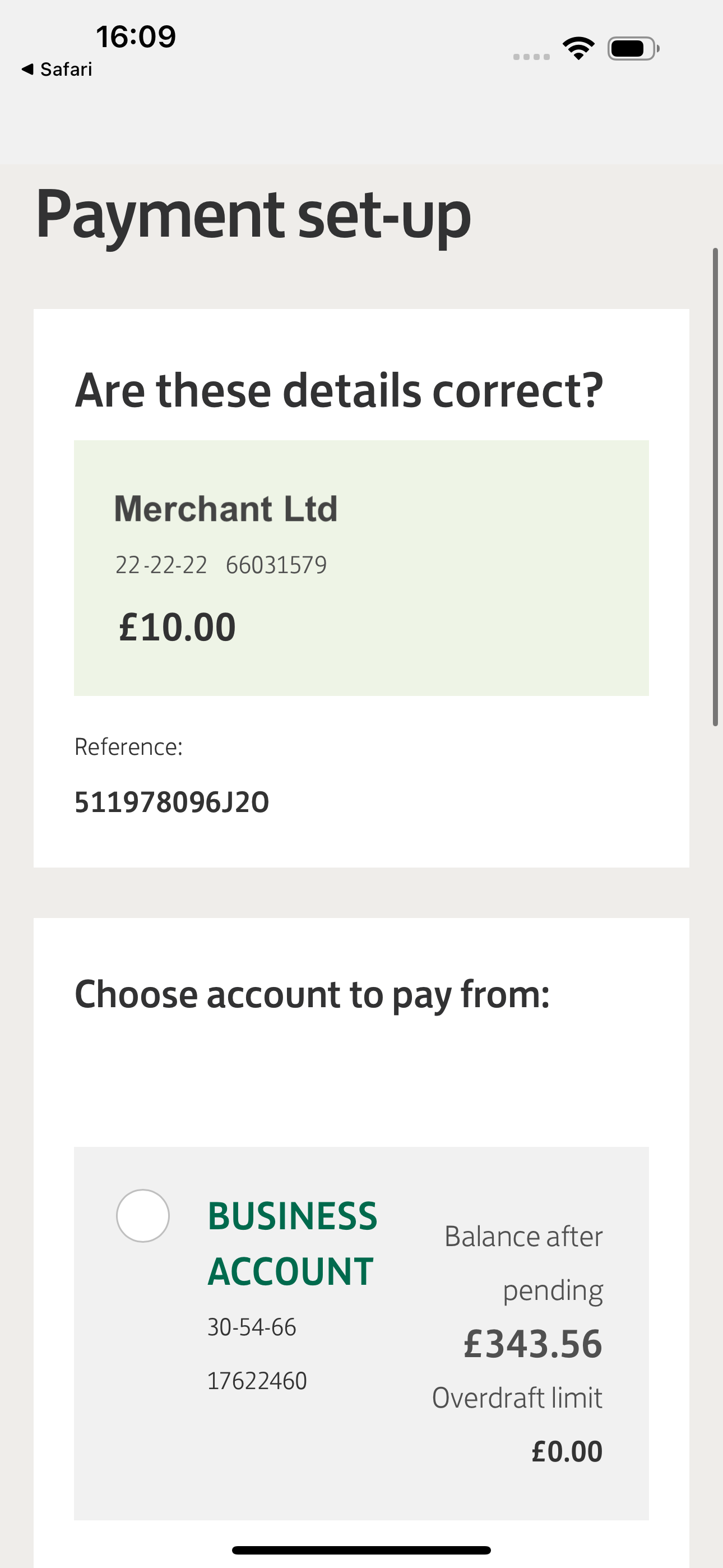
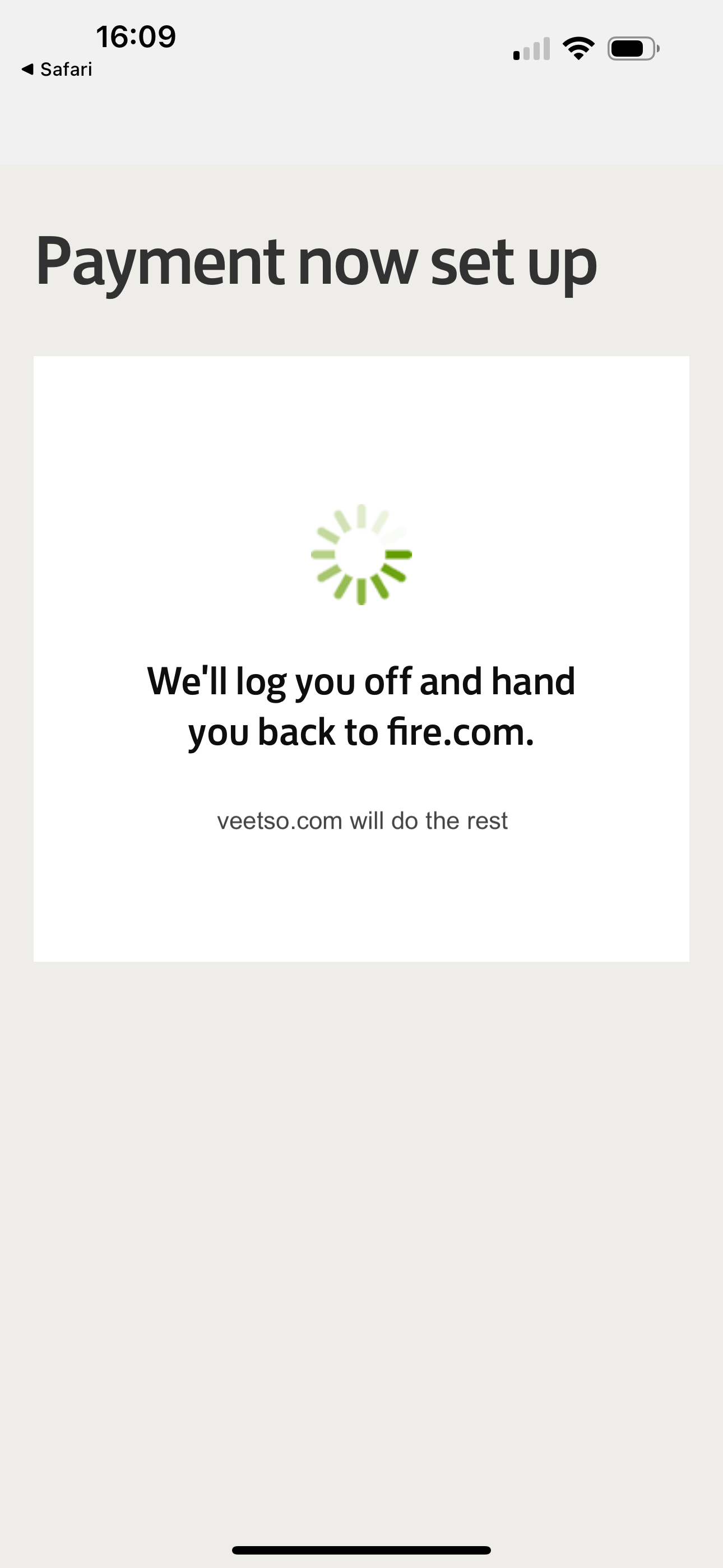
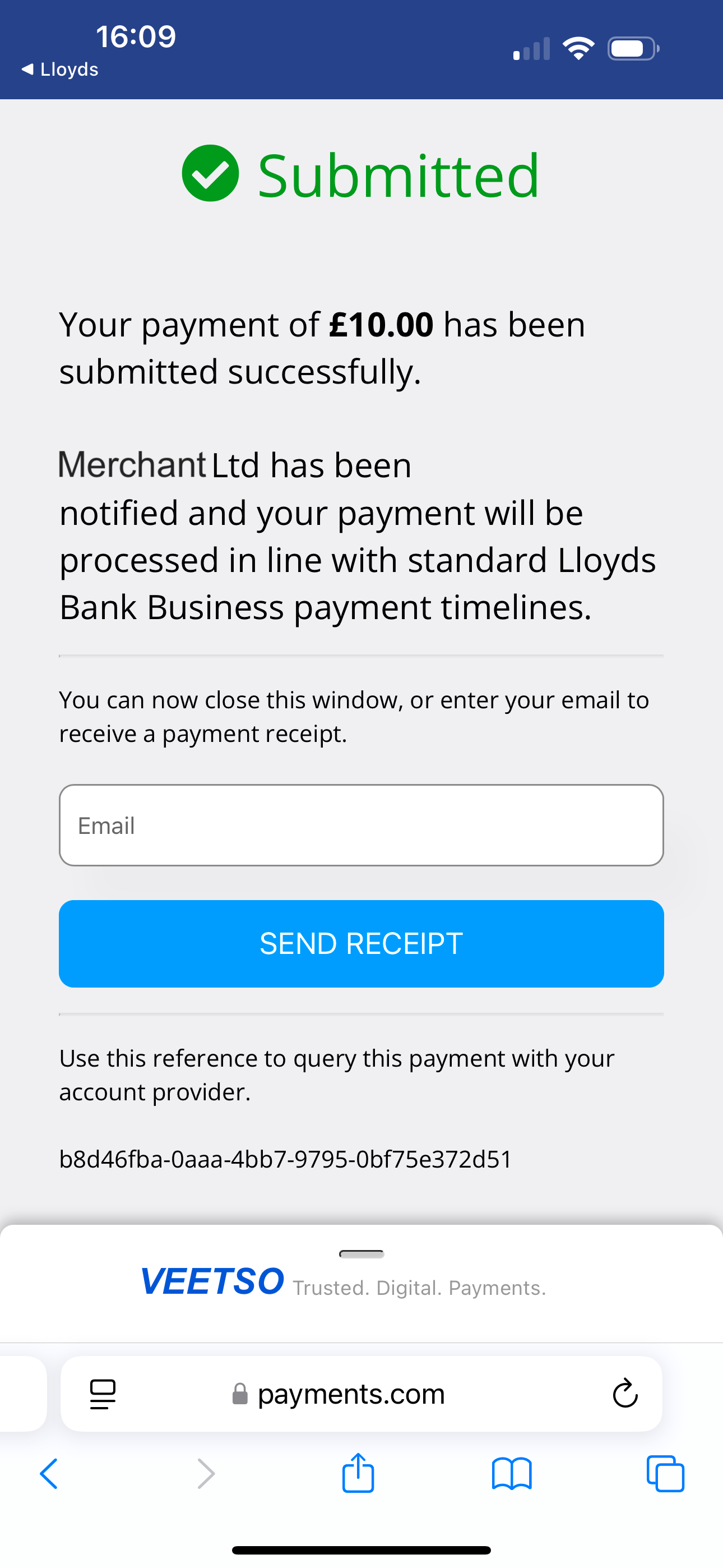
Businesses create payment requests with amount, description, reference, and optional payer fields. A link and QR code are shared; payers select their bank, authorize via online banking, and receive confirmation while the business is notified.
AI-powered interface concept
Veetso is developing both a standard banking-style interface and an AI-powered experience for eligible plans. The AI format is designed for guided interaction, with governance and plan-based access controls described in Veetso's broader AI vision materials.
Return to the platform overview for capabilities summary, FAQ, and implementation status.
← Platform preview overviewRequest more information
For partnership, diligence, or program review enquiries, contact Veetso through the official company website. This preview is provided to show current platform workflows under active implementation.
Contact Veetso